
Dual Heavy Duty monitor arm with gas spring


Dual Heavy Duty monitor arm with gas spring
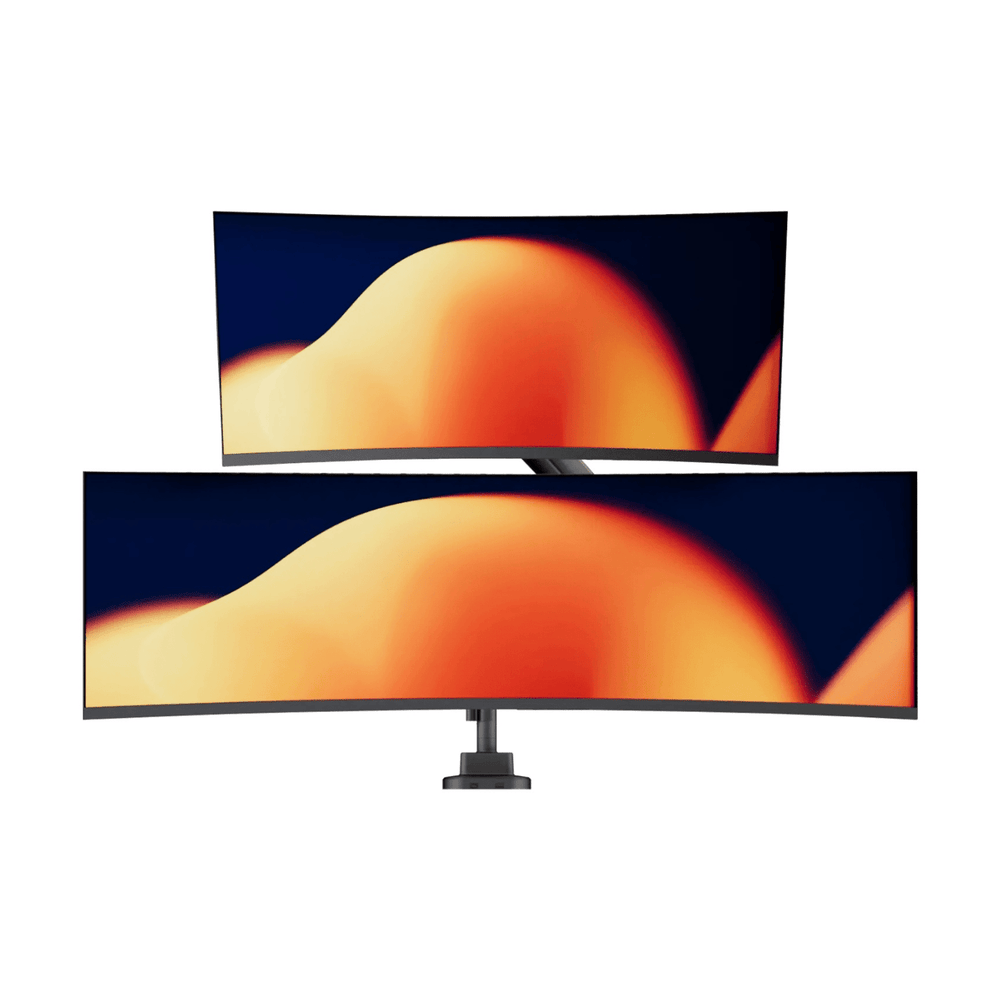
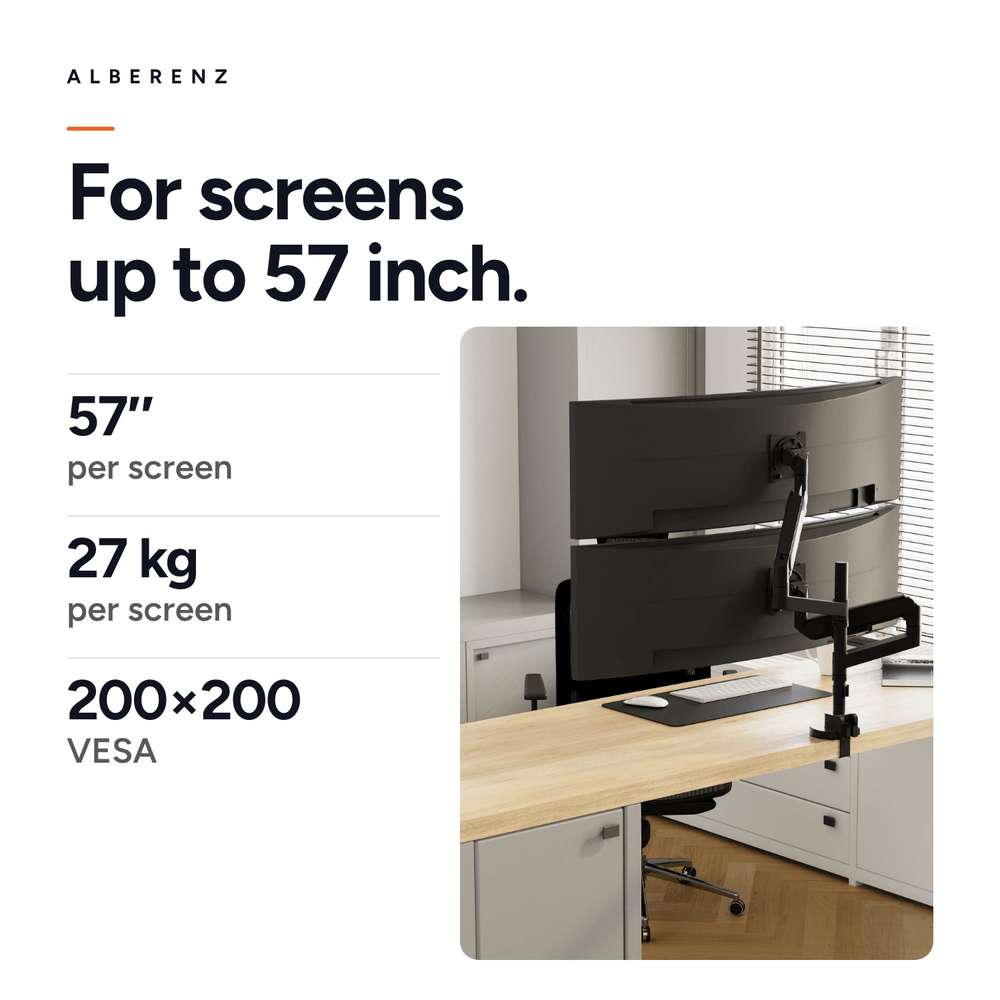
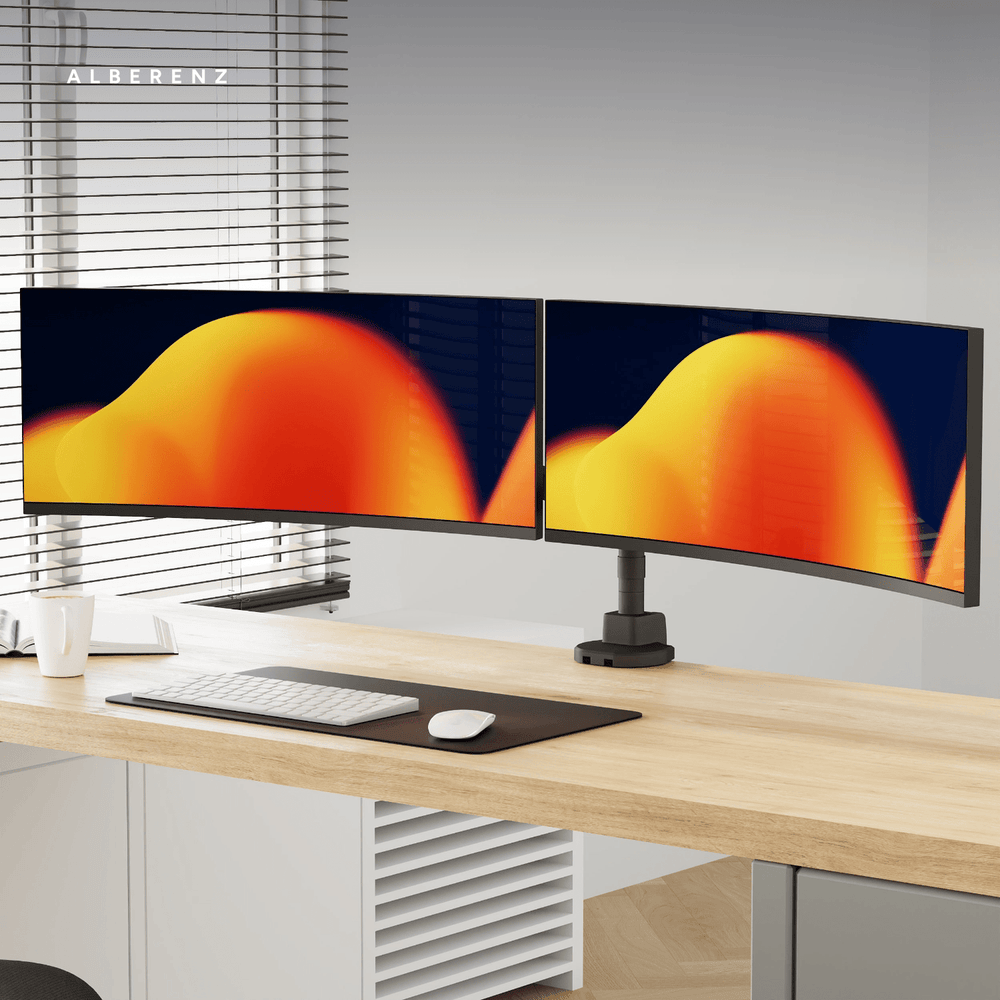
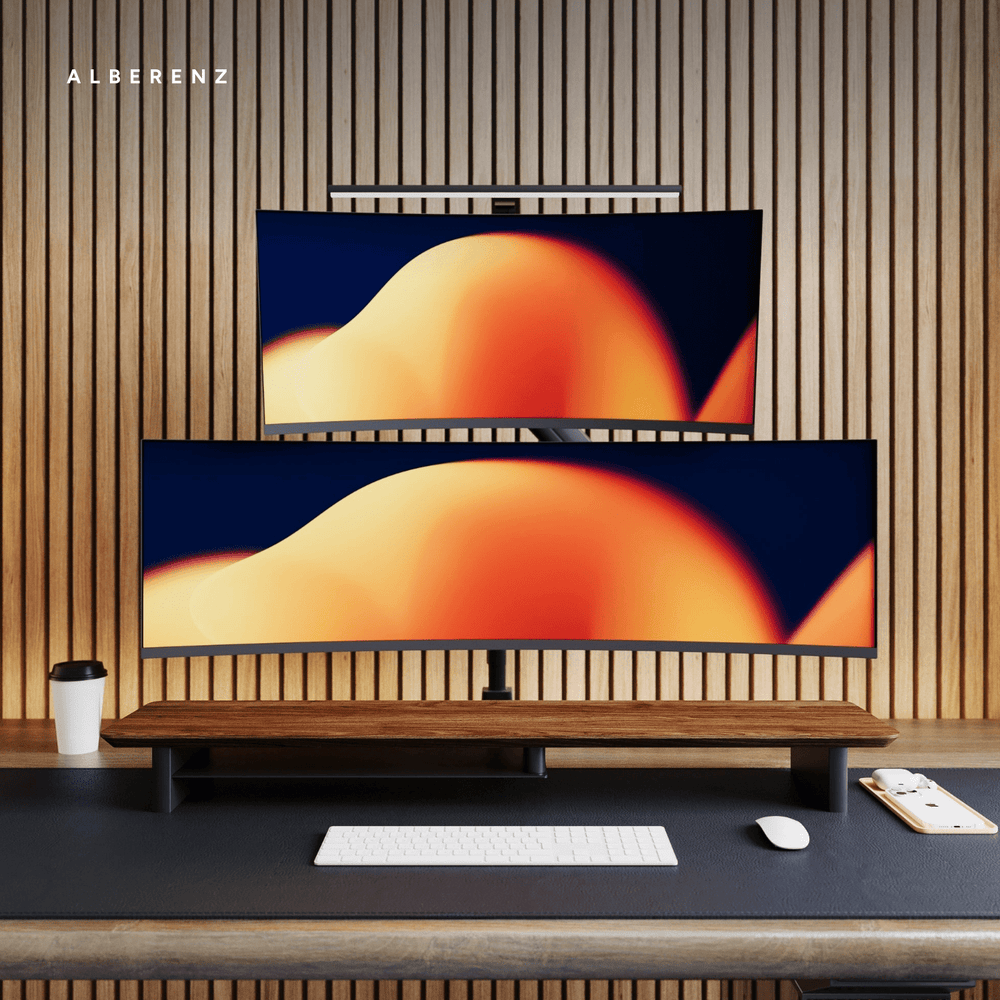
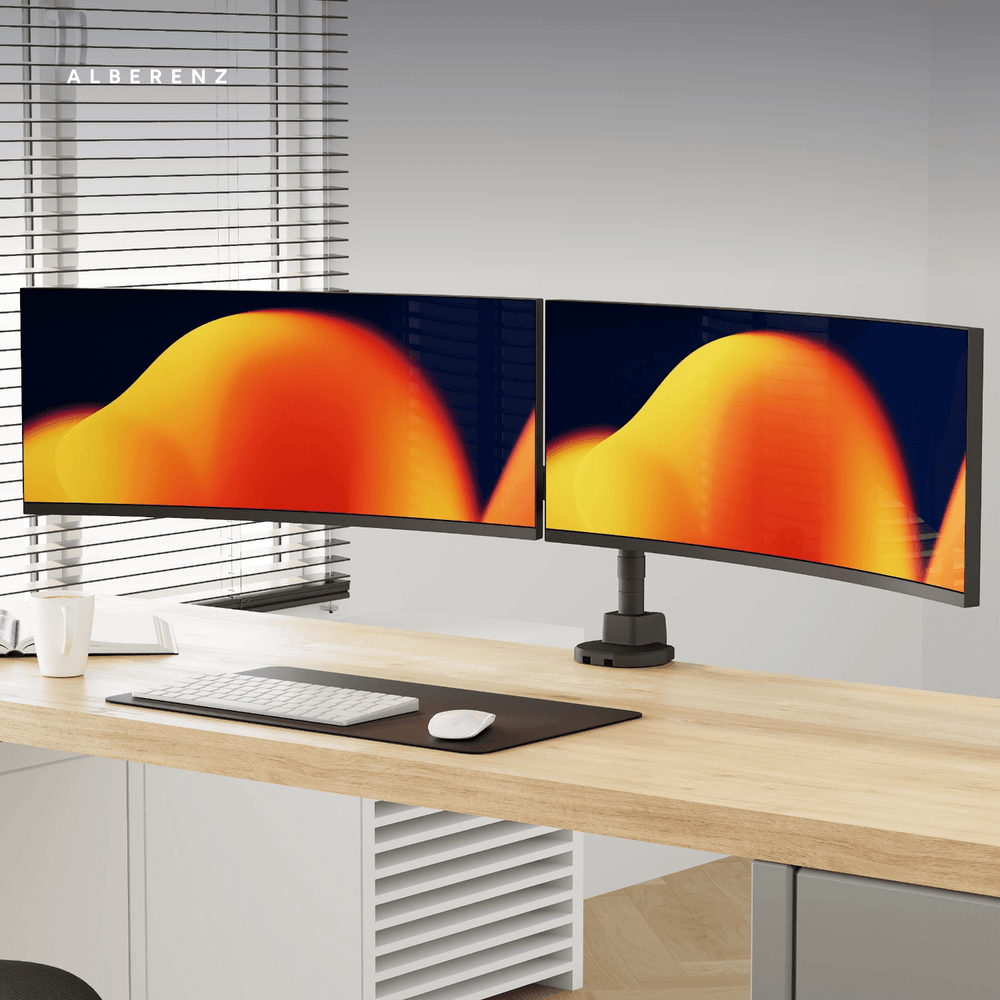
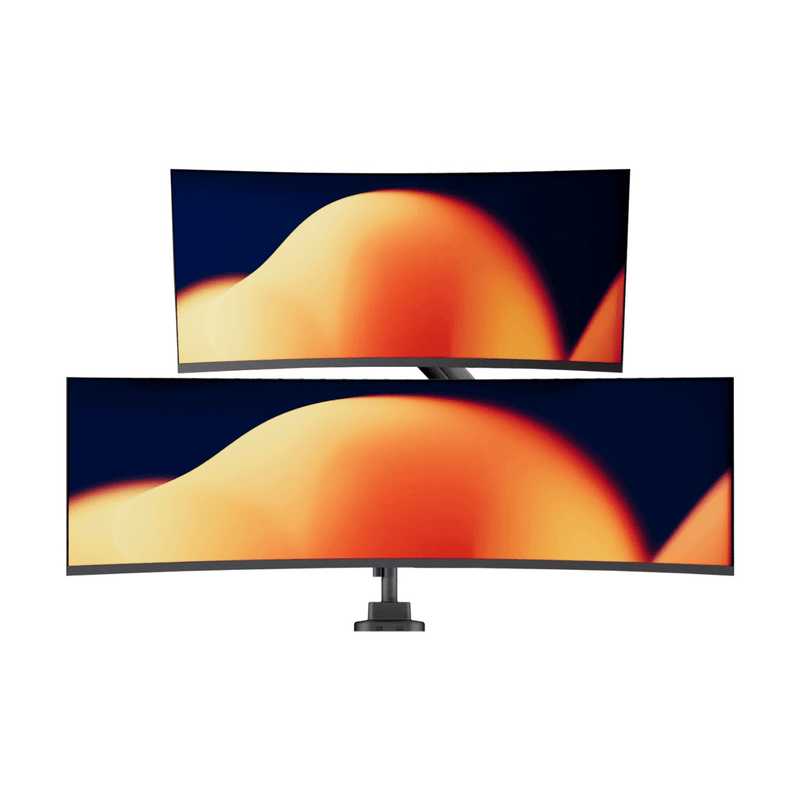
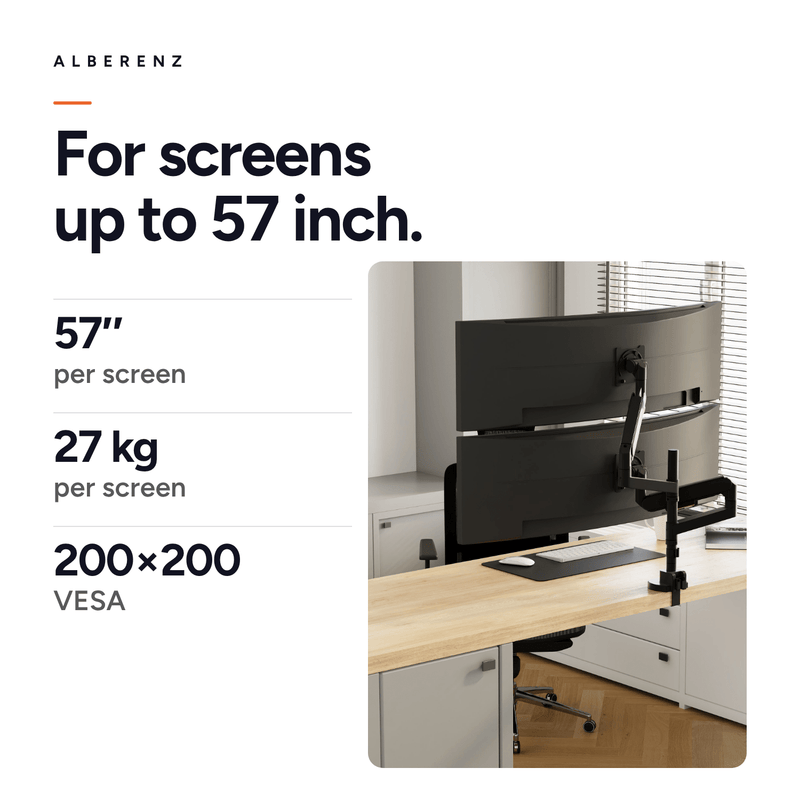
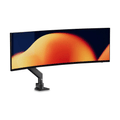
Two Heavy Duty arms on a single column, each with its own gas spring. Both carry a screen of up to 27 kg, and stacked one above the other they take screens as large as 57 inches. Your desk keeps one mounting point instead of two.
Read moreRead less
Two heavy screens on their own stands take up half the desk, and they rarely end up at the same height. This arm carries both from one column, with the same capacity per arm as the single Heavy Duty: 27 kg and screens up to 57 inches.
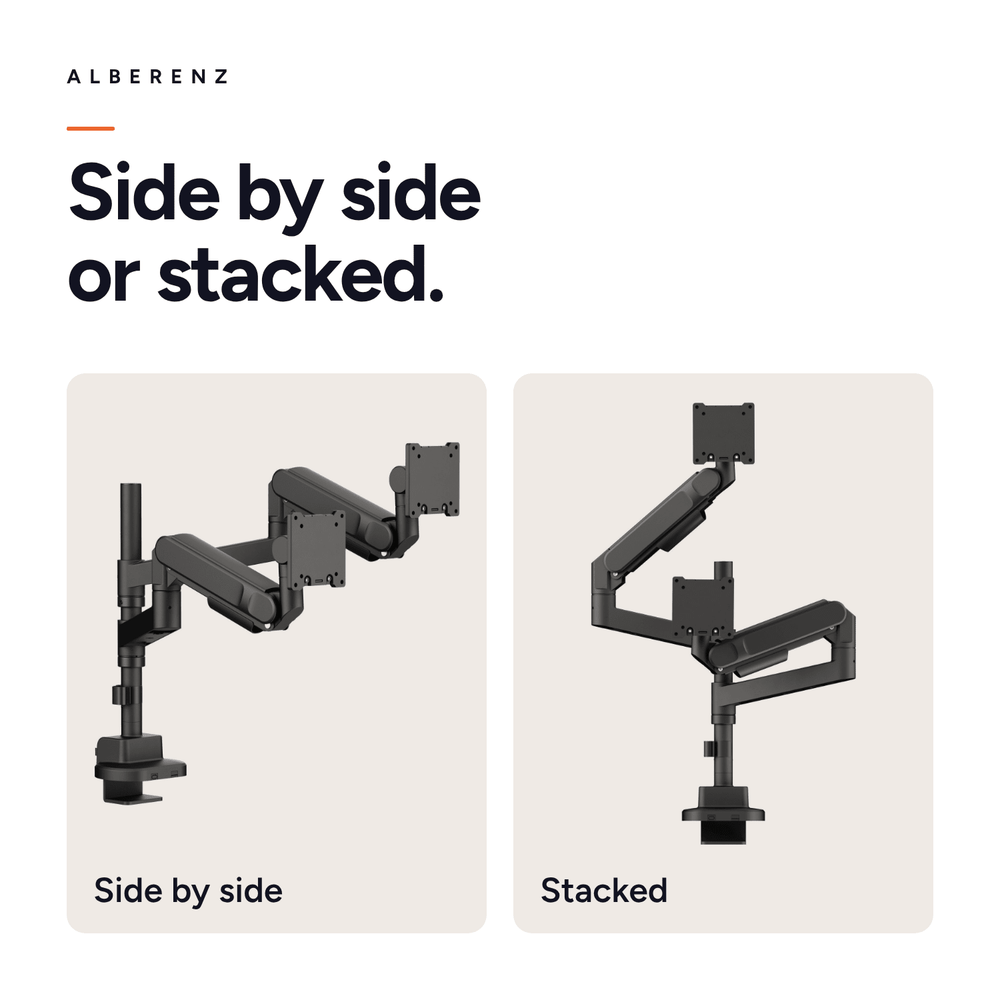
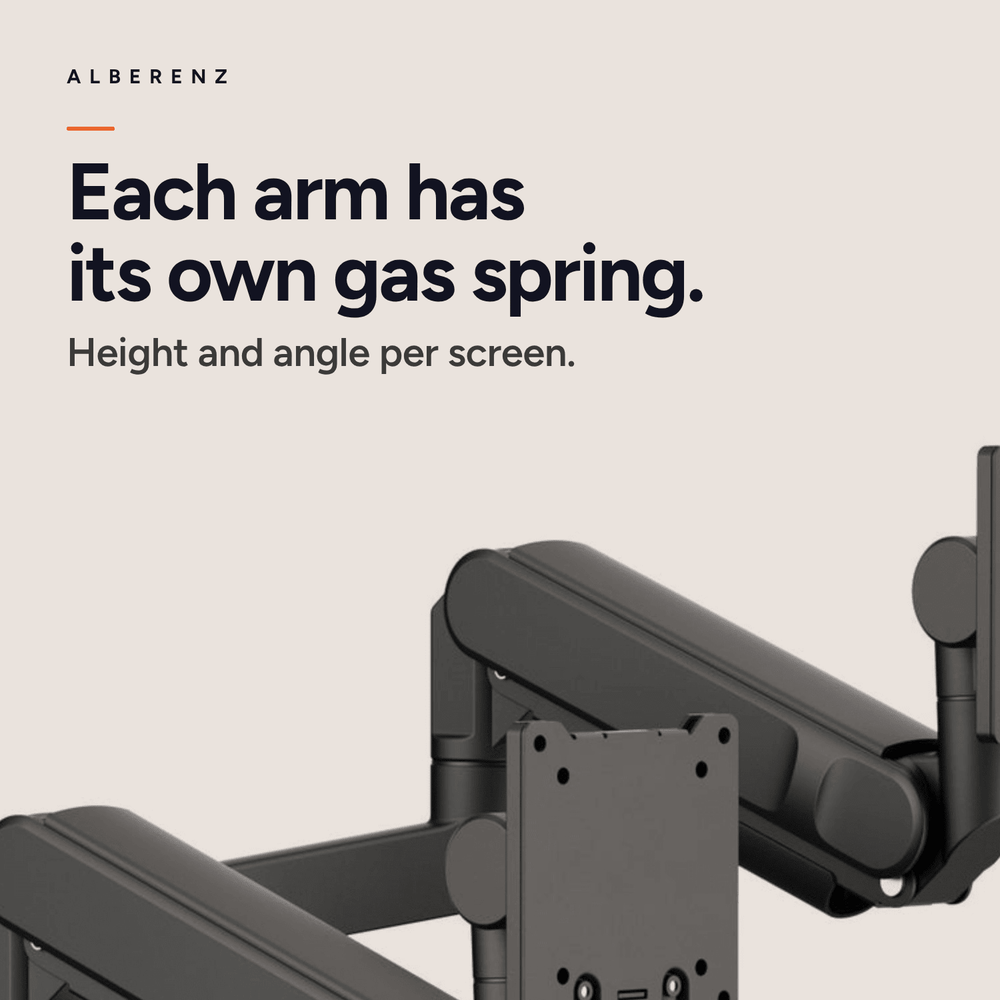
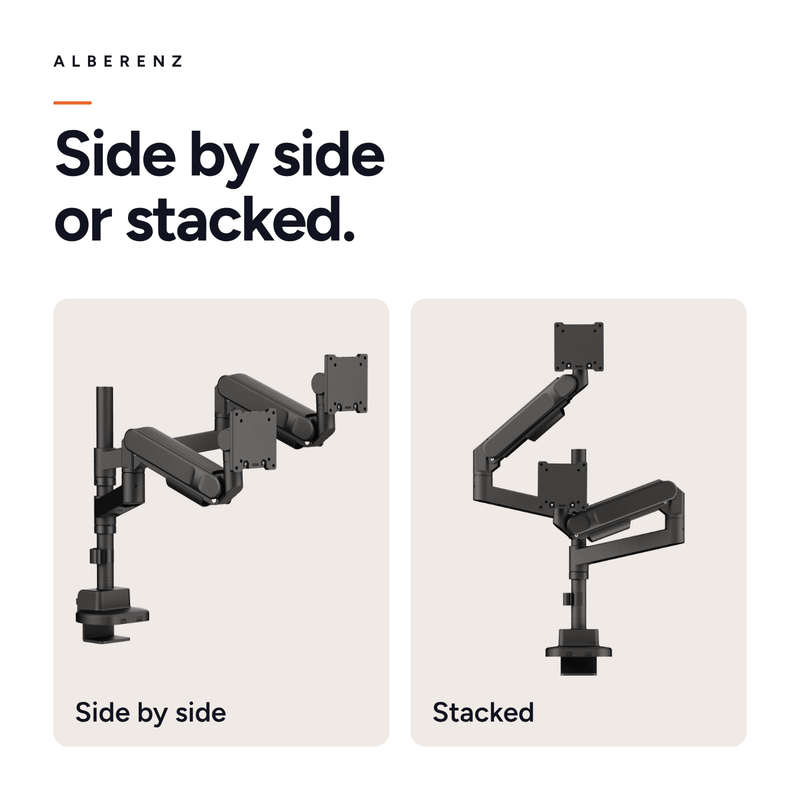
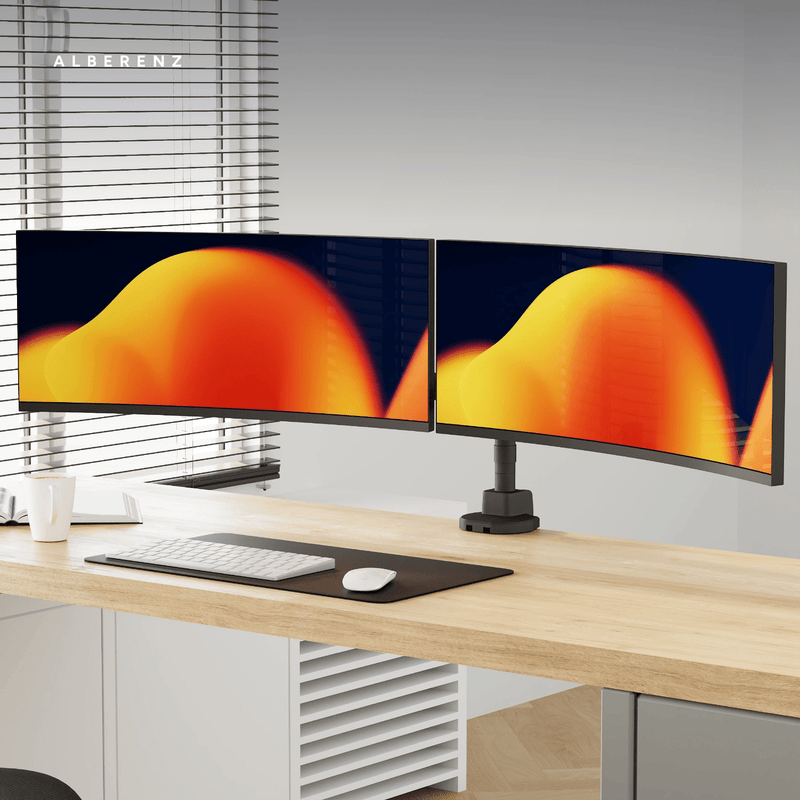
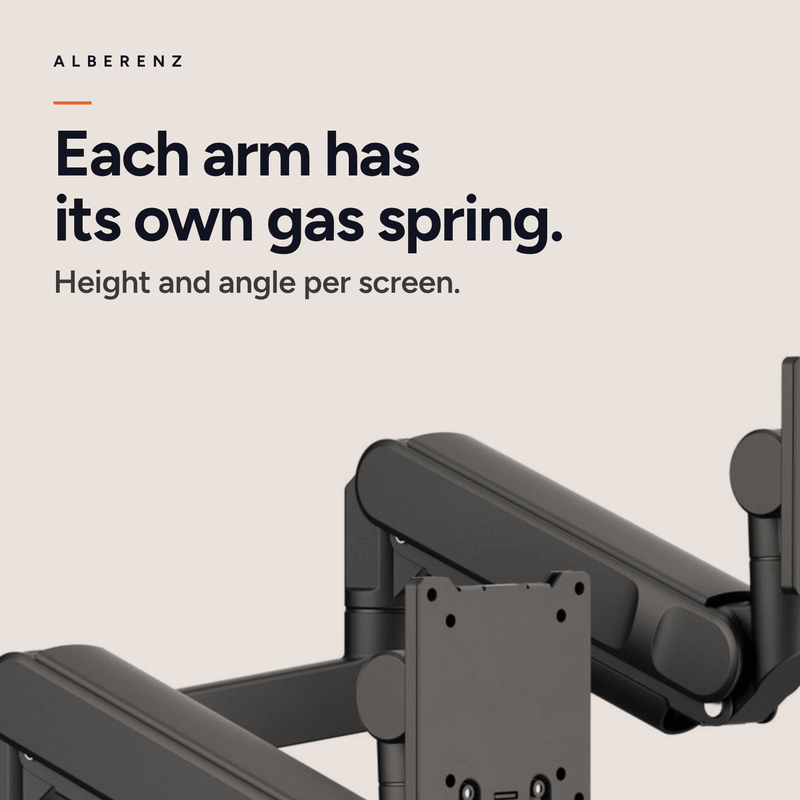
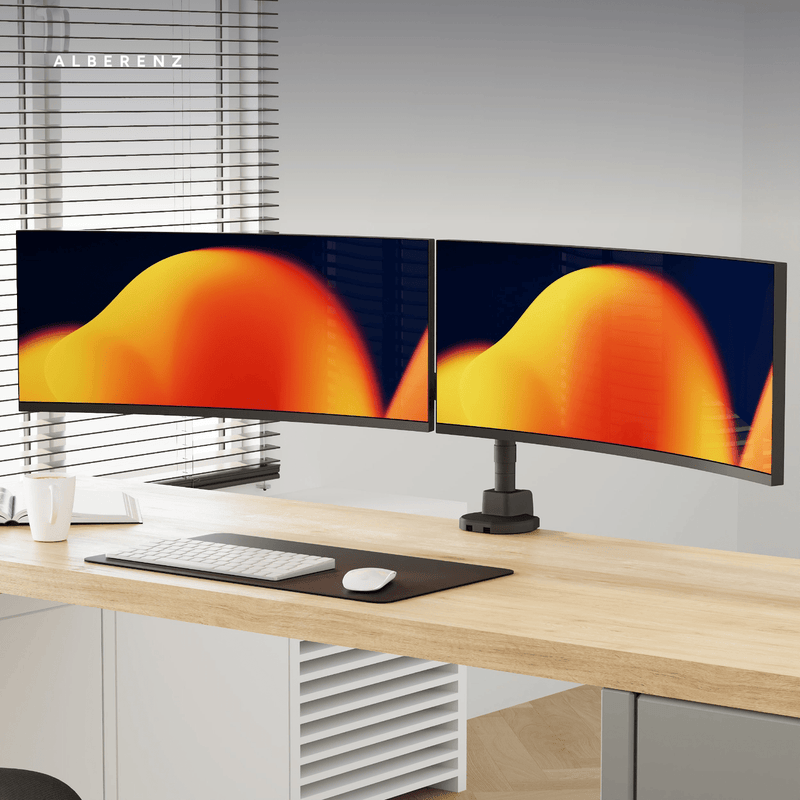
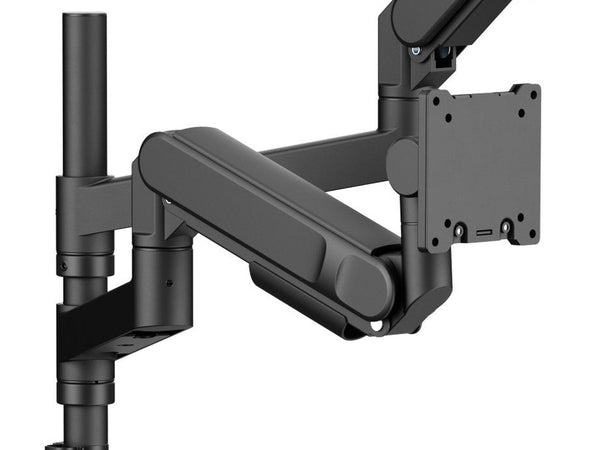
Each arm has its own gas spring. You set a screen to the right height and angle by hand, and it stays where you let go. Because the arms work independently, you can hang one screen above the other or place them side by side.
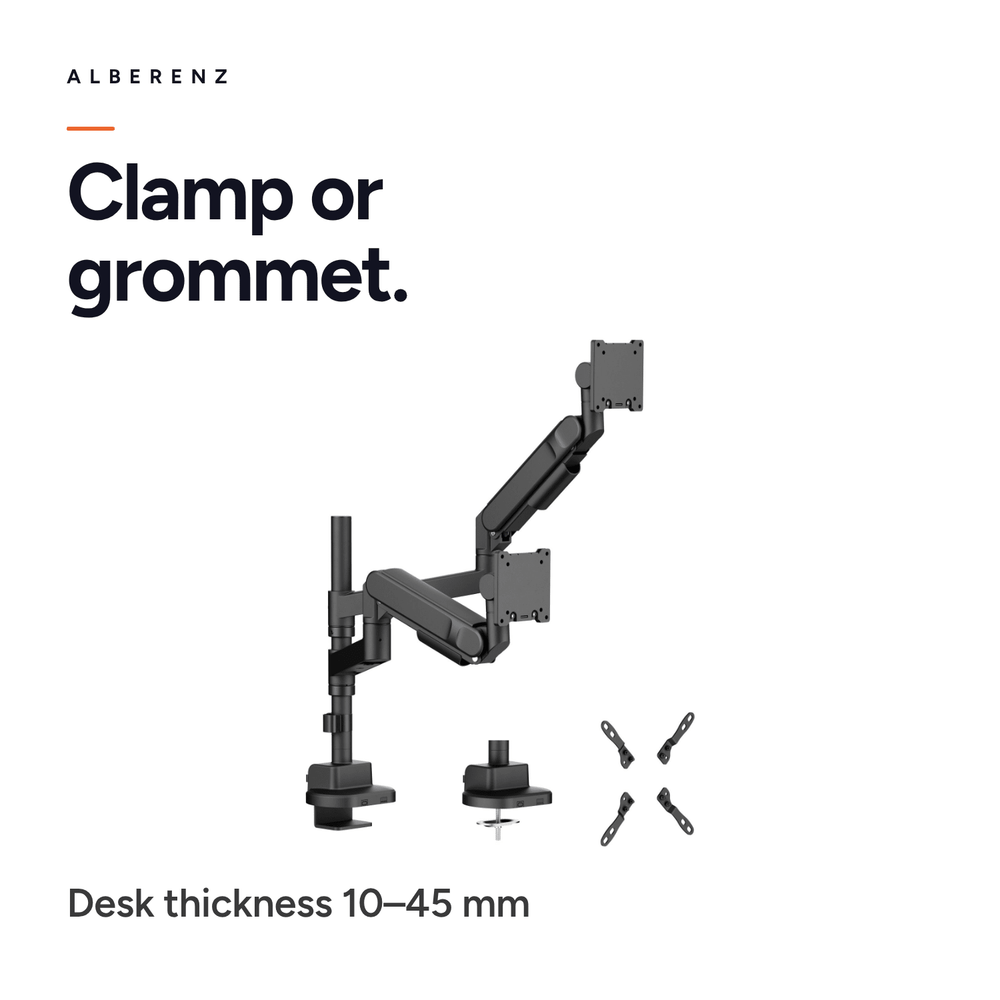
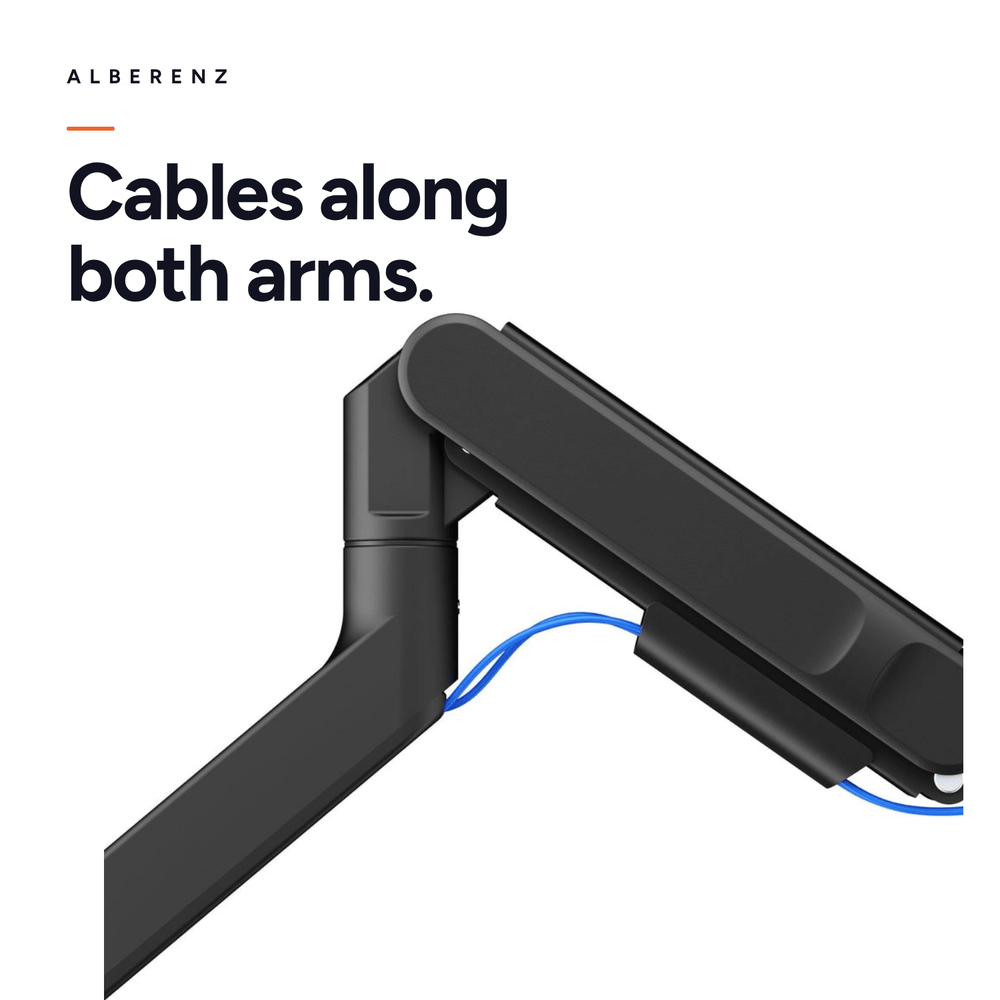
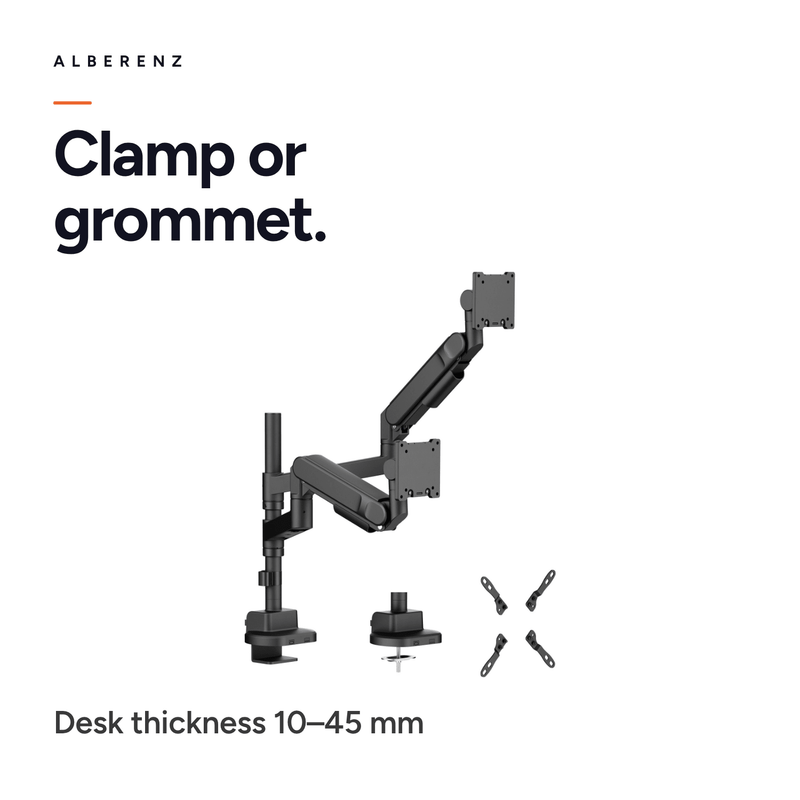
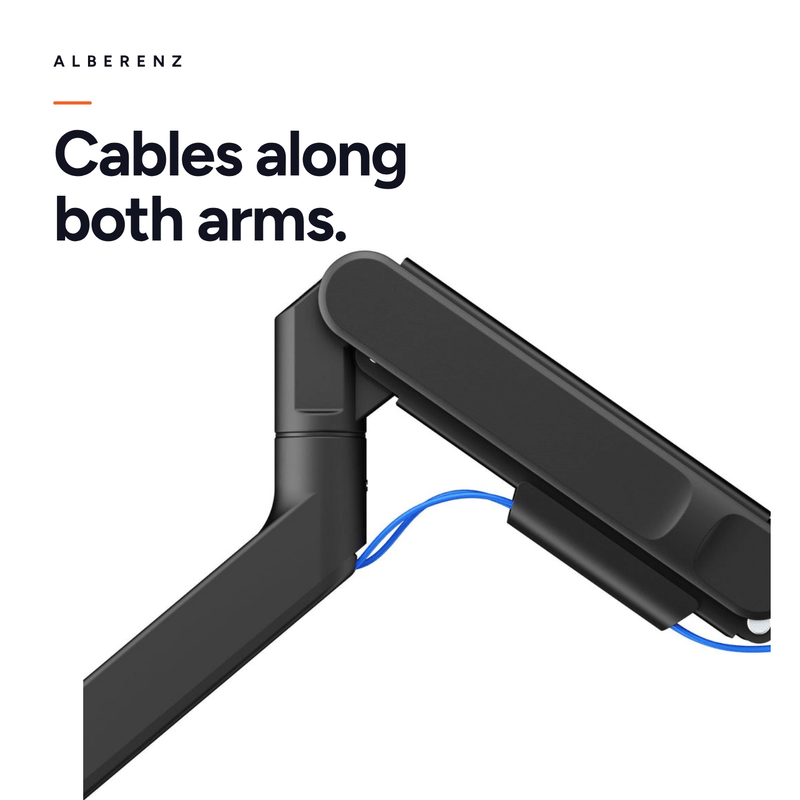
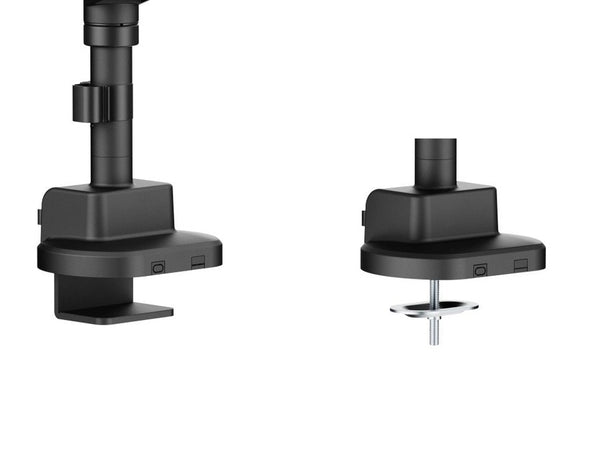
Mounting is done with the included clamp or through a grommet hole in your desk. Cable guides run along both arms and keep the cables out of sight. All the hardware and a clear manual are in the box.
 Alberenz scores 4,8 on Trustpilot

The Heavy Duty, twice over.
One point on your desk
Both arms come off the same column, so you clamp down once instead of twice. That frees up space along the edge of the desk, and you only need one grommet hole if you choose that mount.
Two screens, one above the other
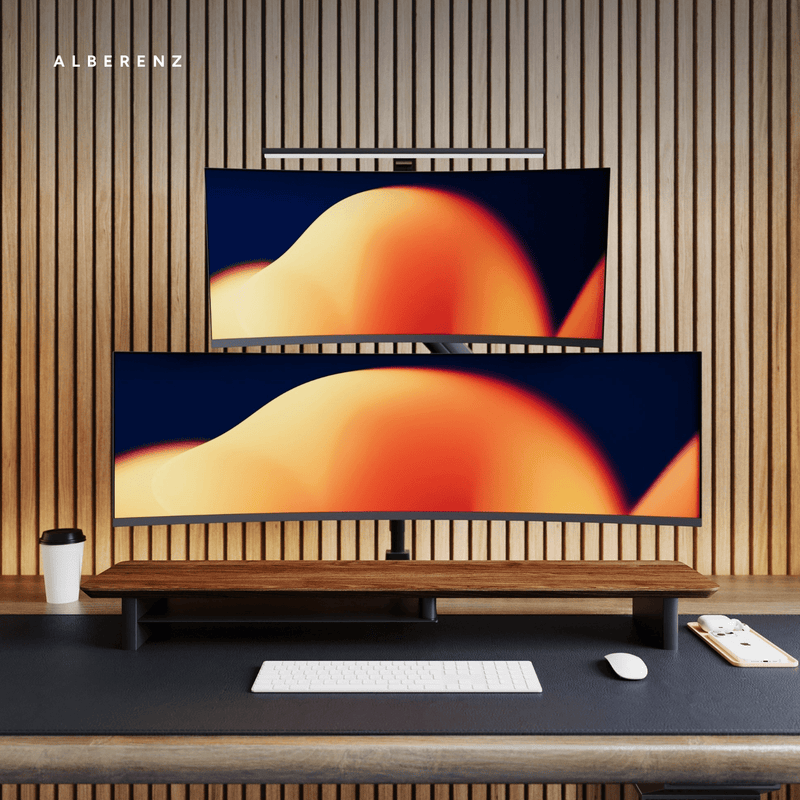
Two 57-inch screens will not fit side by side on any desk, but stacked they will. The upper arm reaches high enough to hang a second screen properly above the first, and the column carries the weight of both.
Each arm adjusts on its own
Every arm has its own gas spring. You can set one screen higher than the other, or at a different angle, and both stay where you let go of them.
Built for the heaviest screens
Each arm takes 27 kg, the same as the single Heavy Duty. A curved ultrawide hangs dead level, with no sagging and no wobble while you type.
One point on your desk
Both arms come off the same column, so you clamp down once instead of twice. That frees up space along the edge of the desk, and you only need one grommet hole if you choose that mount.
Two screens, one above the other
Two 57-inch screens will not fit side by side on any desk, but stacked they will. The upper arm reaches high enough to hang a second screen properly above the first, and the column carries the weight of both.
Each arm adjusts on its own
Every arm has its own gas spring. You can set one screen higher than the other, or at a different angle, and both stay where you let go of them.
Built for the heaviest screens
Each arm takes 27 kg, the same as the single Heavy Duty. A curved ultrawide hangs dead level, with no sagging and no wobble while you type.
Will it fit your desk and your screens?
Worth checking these figures before you order.
Every detail.
Please note: screens in the Samsung Odyssey range need a VESA spacer. That applies to every monitor arm, not just ours. Contact us for advice on the right spacer.
Frequently asked questions
Which screens fit this arm?
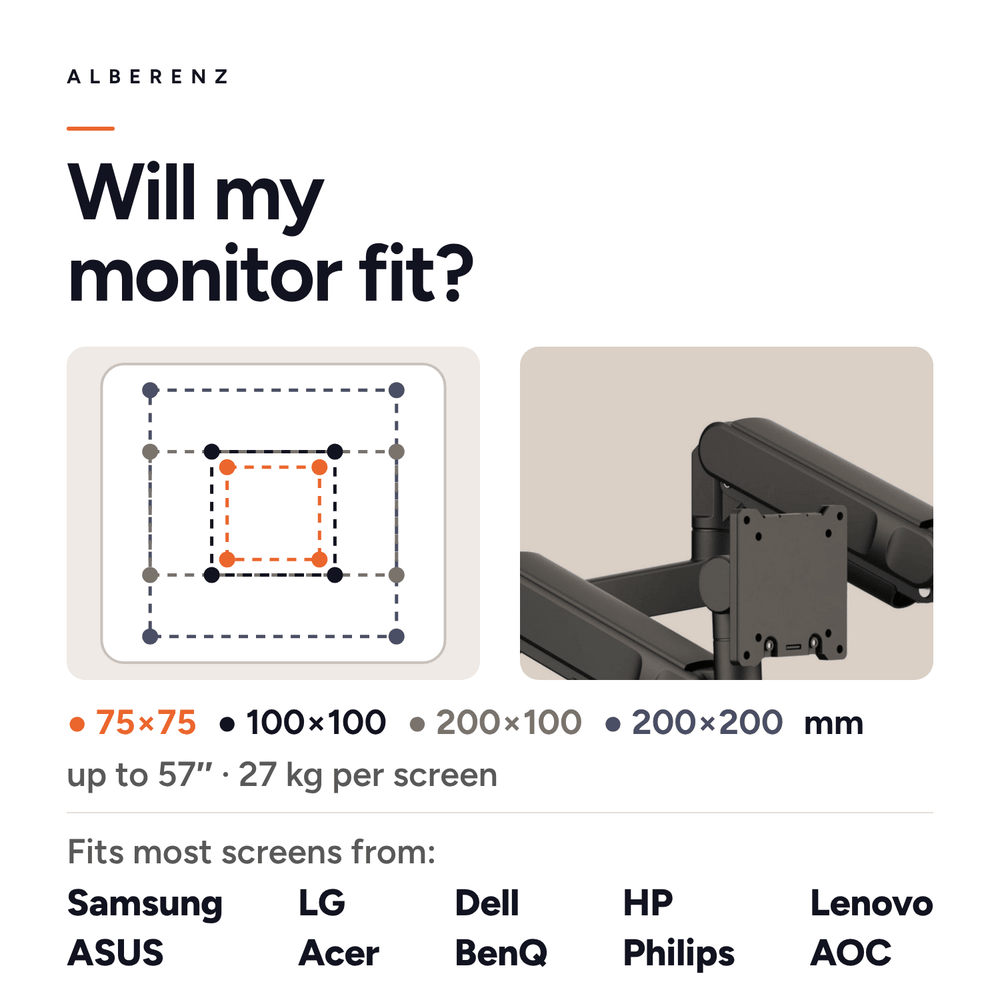
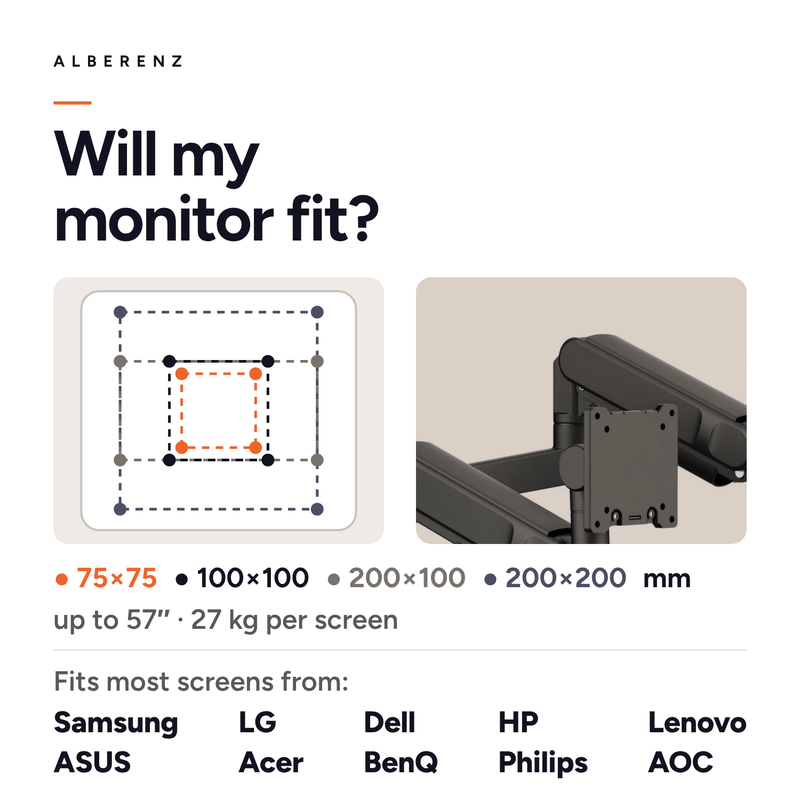
Two screens up to 57 inches, each weighing no more than 27 kg. Curved and ultrawide models are fine. Your screen does need VESA holes on the back.
Do two 57-inch screens really fit?
Stacked, yes. Side by side that size will not fit on any desk, and there you run into the width of your desktop rather than the arm. Placed next to each other, screens of around 34 inches each are realistic.
Which VESA patterns are supported?
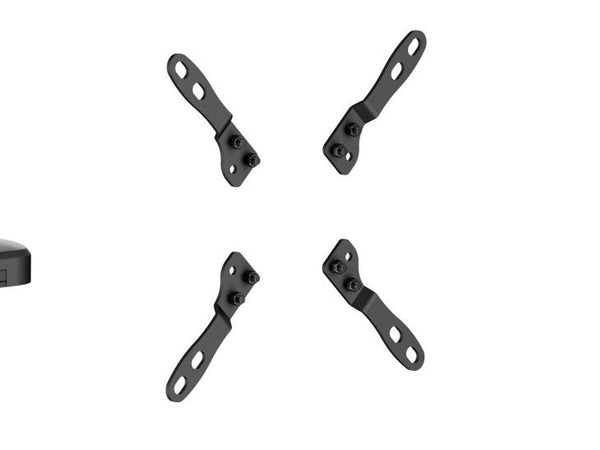
From 75×75 up to 200×200 mm, so 100×100, 100×200 and 200×100 as well. Four extension brackets for the larger patterns are in the box.
How is the arm mounted?
With the desk clamp from above, or through a grommet hole. Both mounts are included, and they work on desktops from 10 to 45 millimetres thick.
Can I set the two screens at different heights?
Yes. Each arm has its own gas spring and its own joints, so one screen can sit higher, closer or at a different angle than the other.
Will a heavy screen sag?
Not once the spring tension is right. A single screw sets the gas spring to the weight of your monitor: tighter for a heavy 57-inch, looser for a lighter screen.
Do I need a spacer for a Samsung Odyssey screen?
Yes. Every Odyssey screen needs a VESA spacer, and that goes for any monitor arm. Email us your model and we will tell you which spacer you need.
What do I need to mount the arm?
Nothing extra. The clamp, the grommet mount, the VESA extension brackets, all the screws, the hex key and the manual are in the box.
What about warranty and delivery?
You get a 5-year warranty, free shipping and free returns. Delivery takes about three working days.
Two large screens, one point on your desk.
Free shipping, free returns and a five-year warranty.




