











Laptop and Monitor Arm with Gas Spring
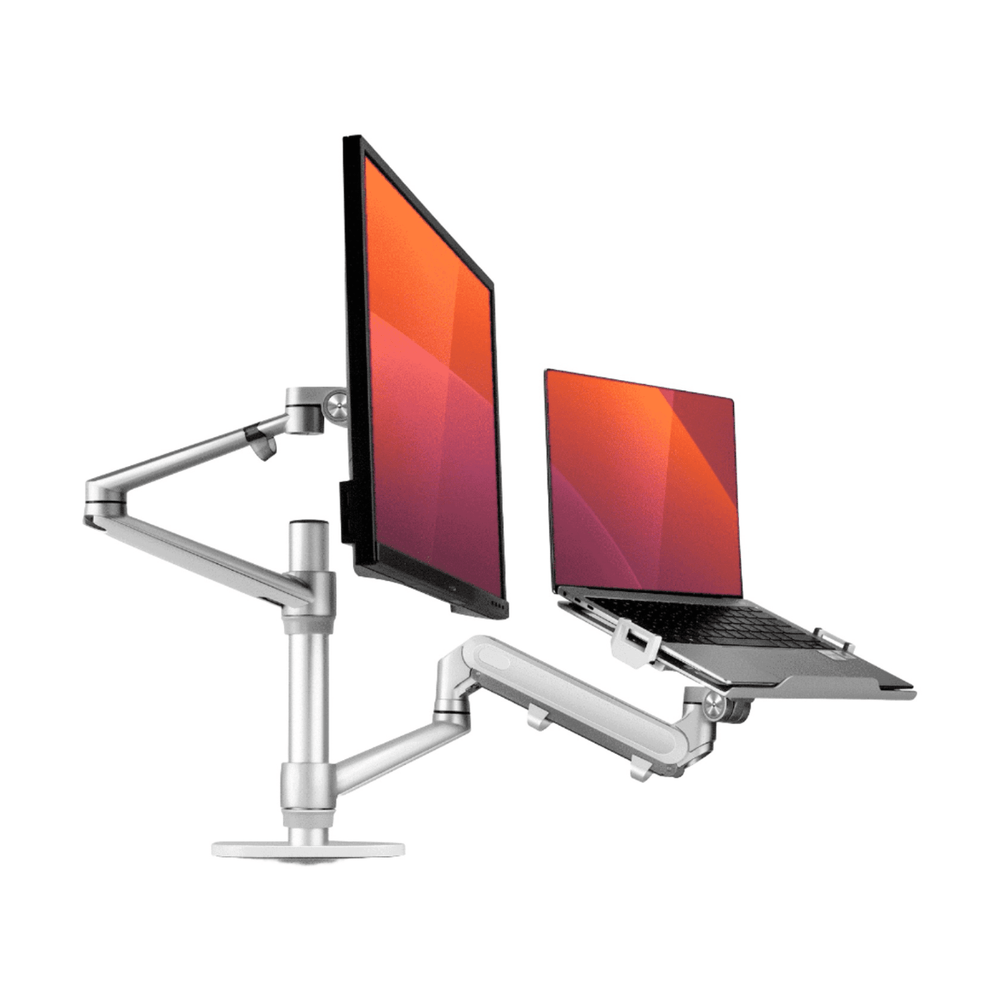
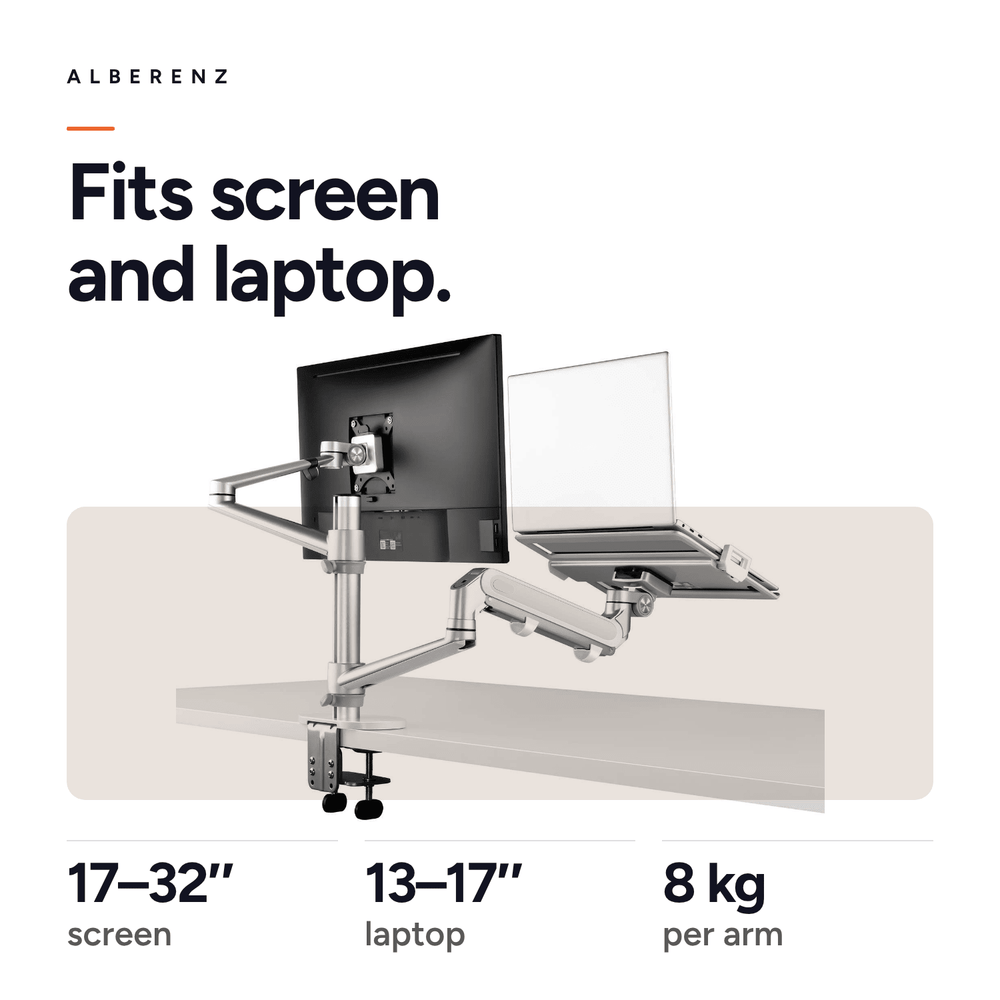
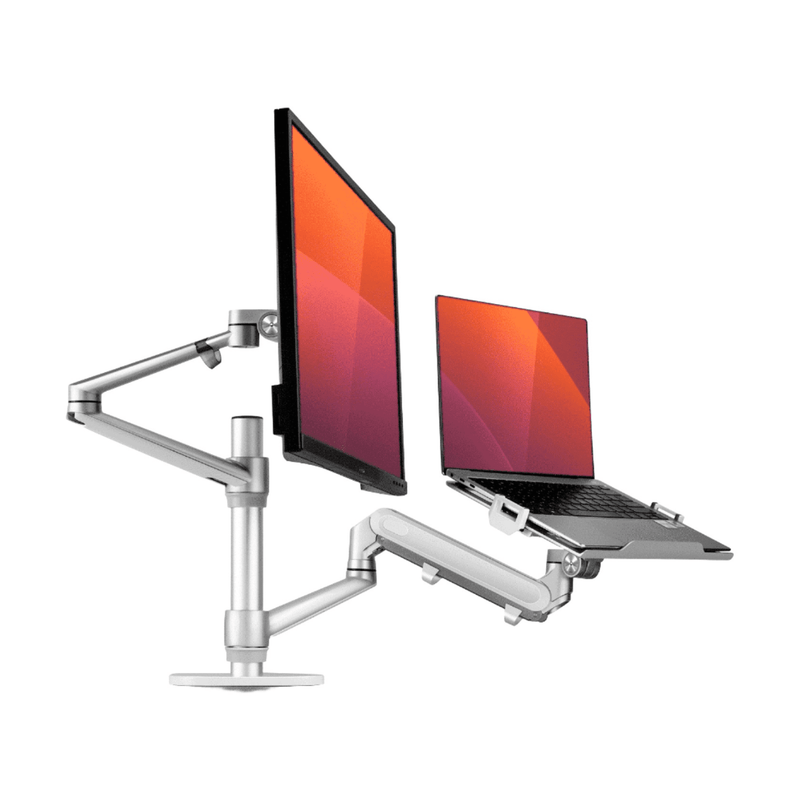
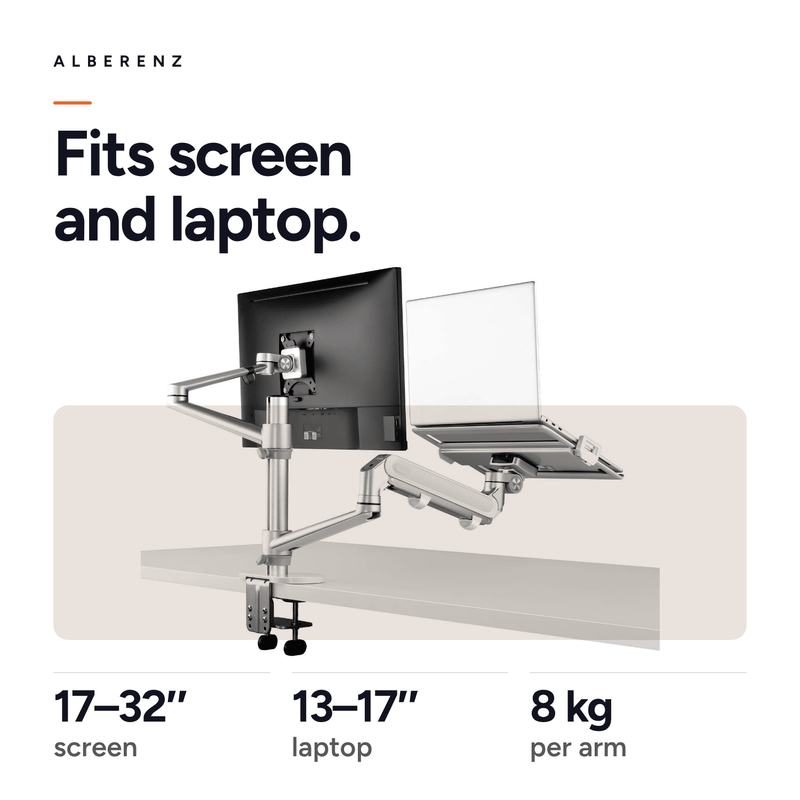
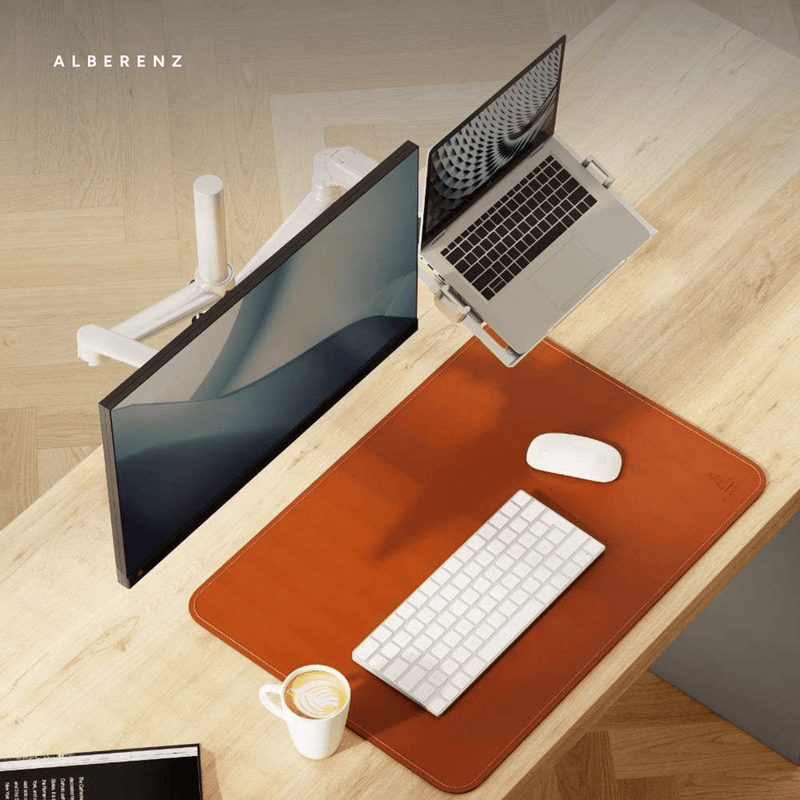
One clamp point that carries a monitor and a laptop, each on its own gas spring arm. The monitor takes 17 to 32 inch screens on a VESA plate, the laptop tray holds 13 to 17 inch laptops, and both hold up to 8 kilos.
Read moreRead less
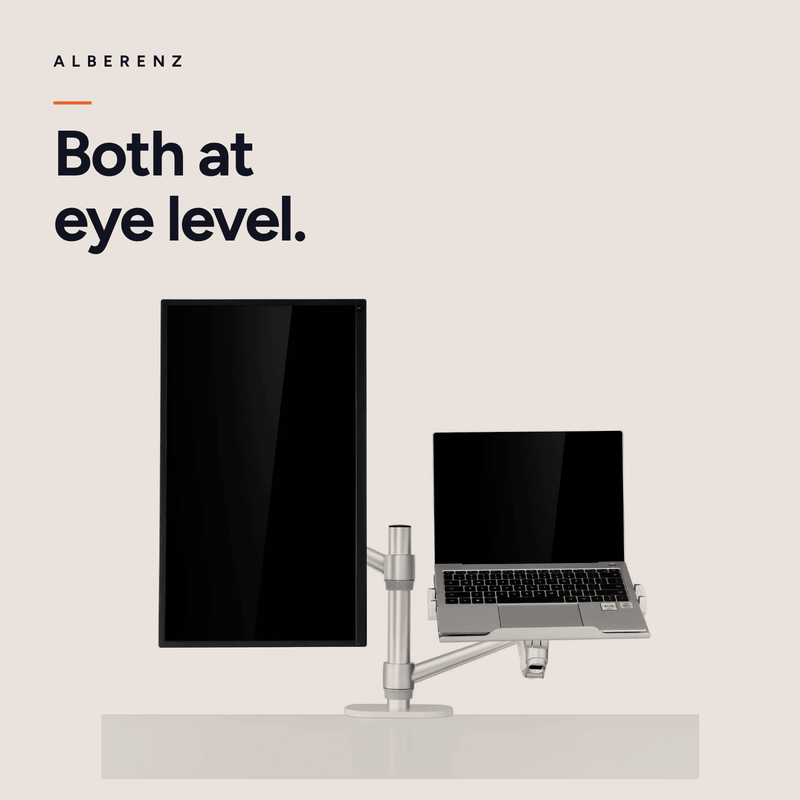
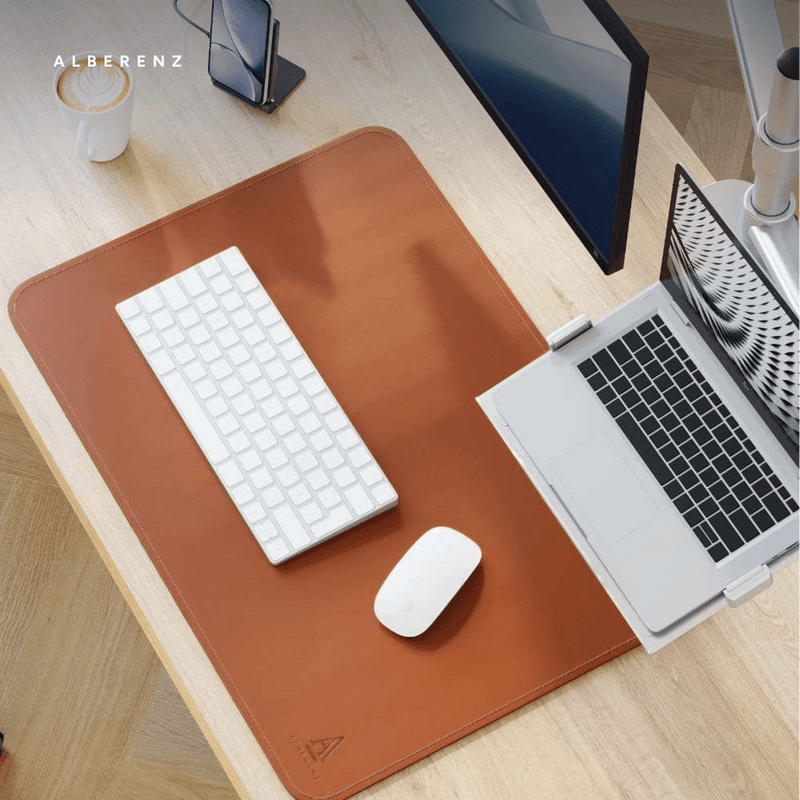
A laptop next to a monitor is the most common desk setup there is, and almost always the most uneven one. The monitor sits at eye level on its own stand while the laptop lies flat on the desk, about thirty centimetres lower, which means the head drops every time attention moves from one to the other. This arm puts both on the same column and the same height.
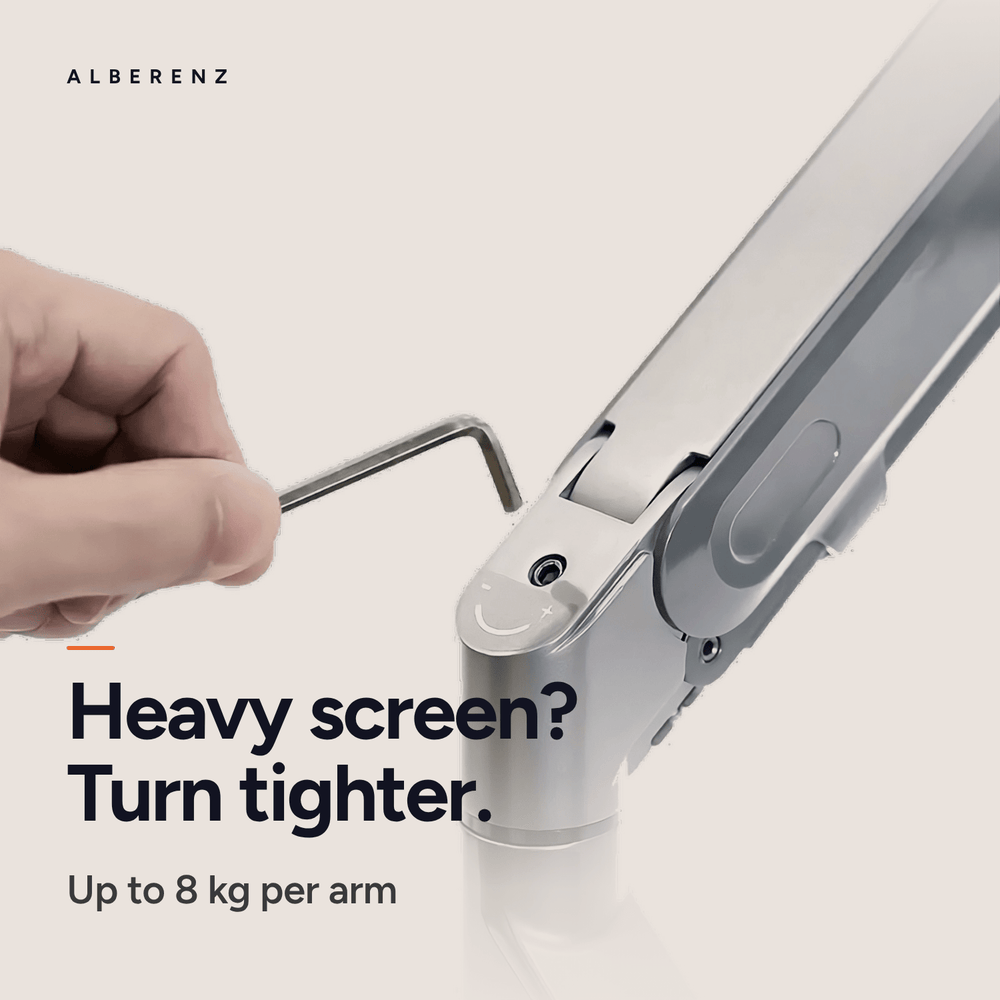
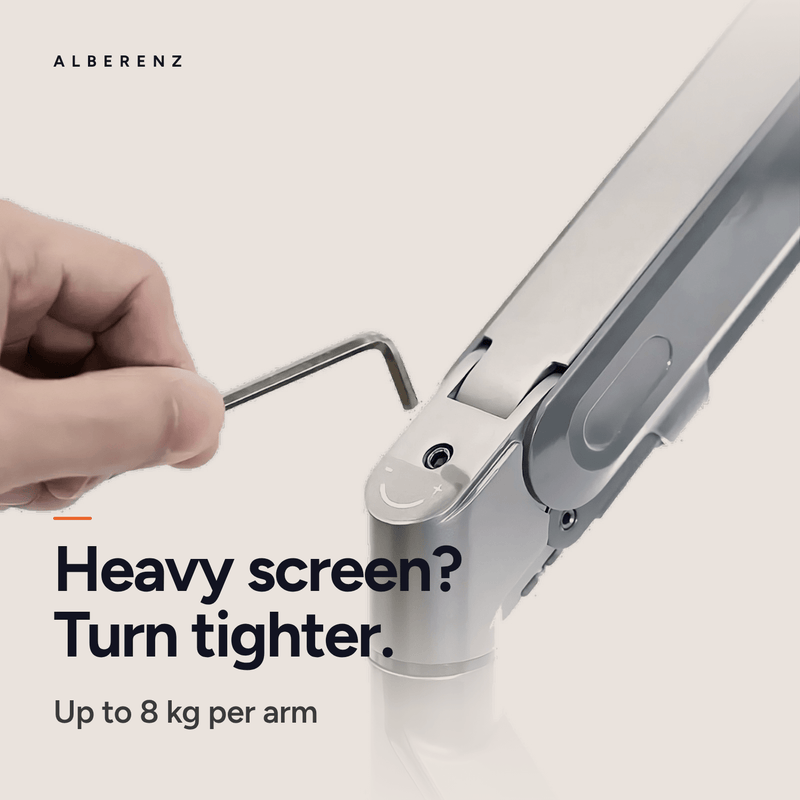
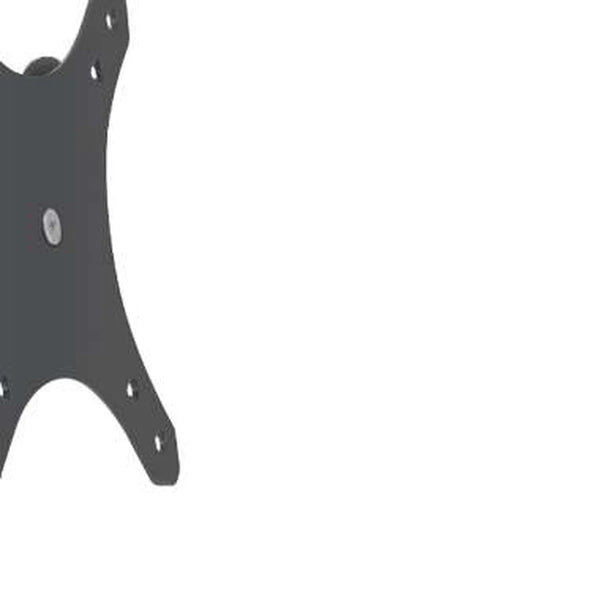
The monitor hangs on a VESA plate of 75×75 or 100×100 millimetres and can be 17 to 32 inch, the laptop rests on a tray that takes 13 to 17 inch, and each arm carries up to eight kilos on its own gas spring. Both springs are tuned with a single hex screw, so a heavy monitor and a light laptop can hang from the same column without either one drifting.
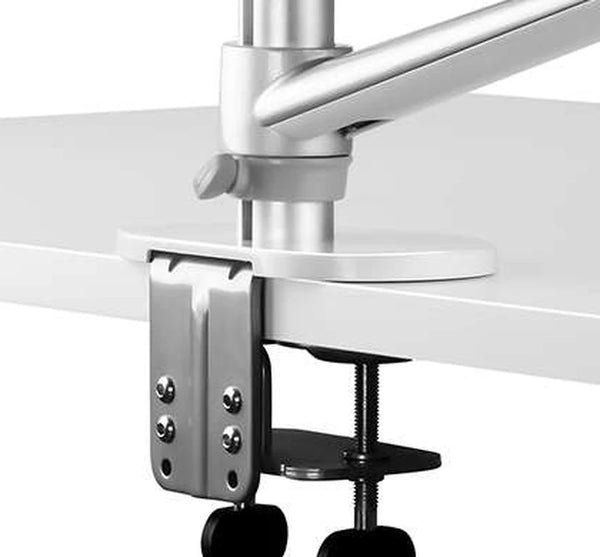
The column clamps to a desktop from 10 to 70 millimetres and needs no hole. It stands 302 millimetres above the desk, the monitor arm reaches 420 millimetres from the clamp and the laptop arm 228 millimetres, and the column turns a full 360 degrees. Everything needed to fit it is in the box.

A laptop and a monitor belong at the same height.
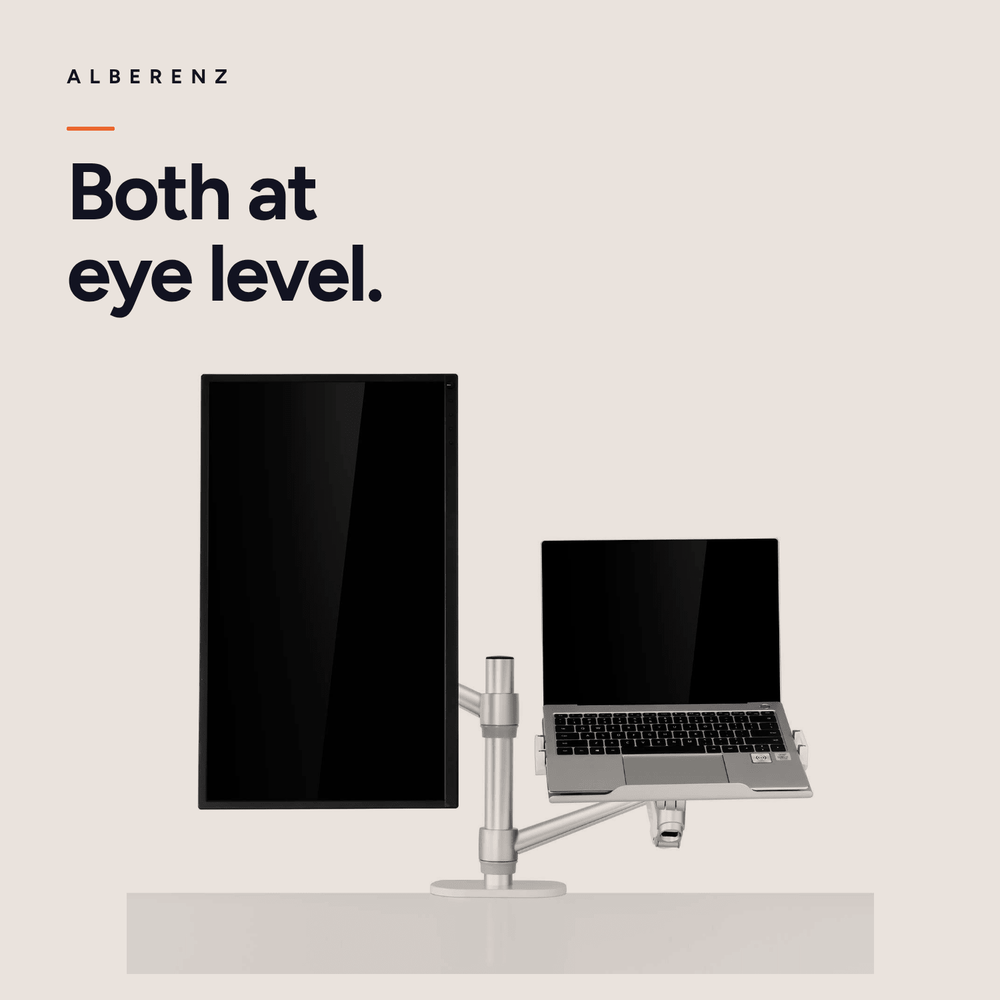
Both screens at eye level
A laptop on the desk sits roughly thirty centimetres below the monitor next to it, so the head drops every time you look down at it. Both arms lift their screen to the same line, and the eyes move sideways instead of down.
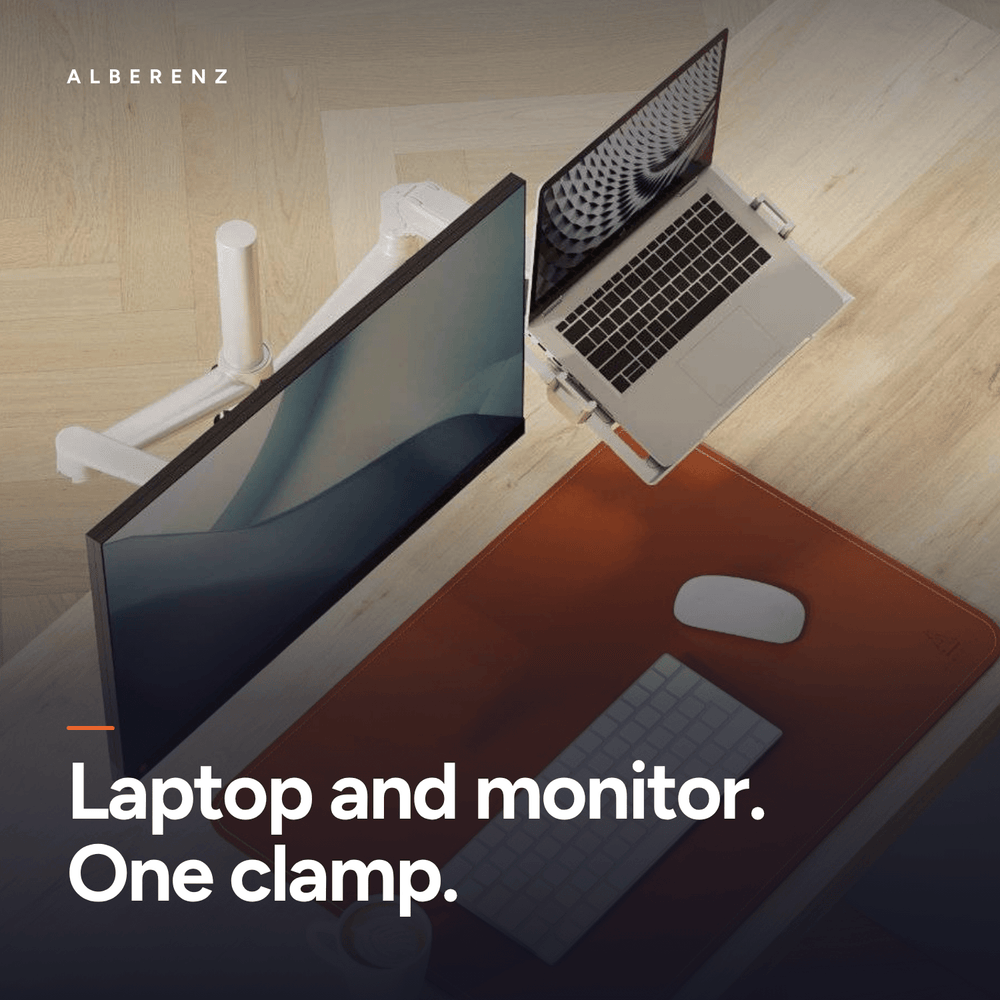
One clamp instead of two
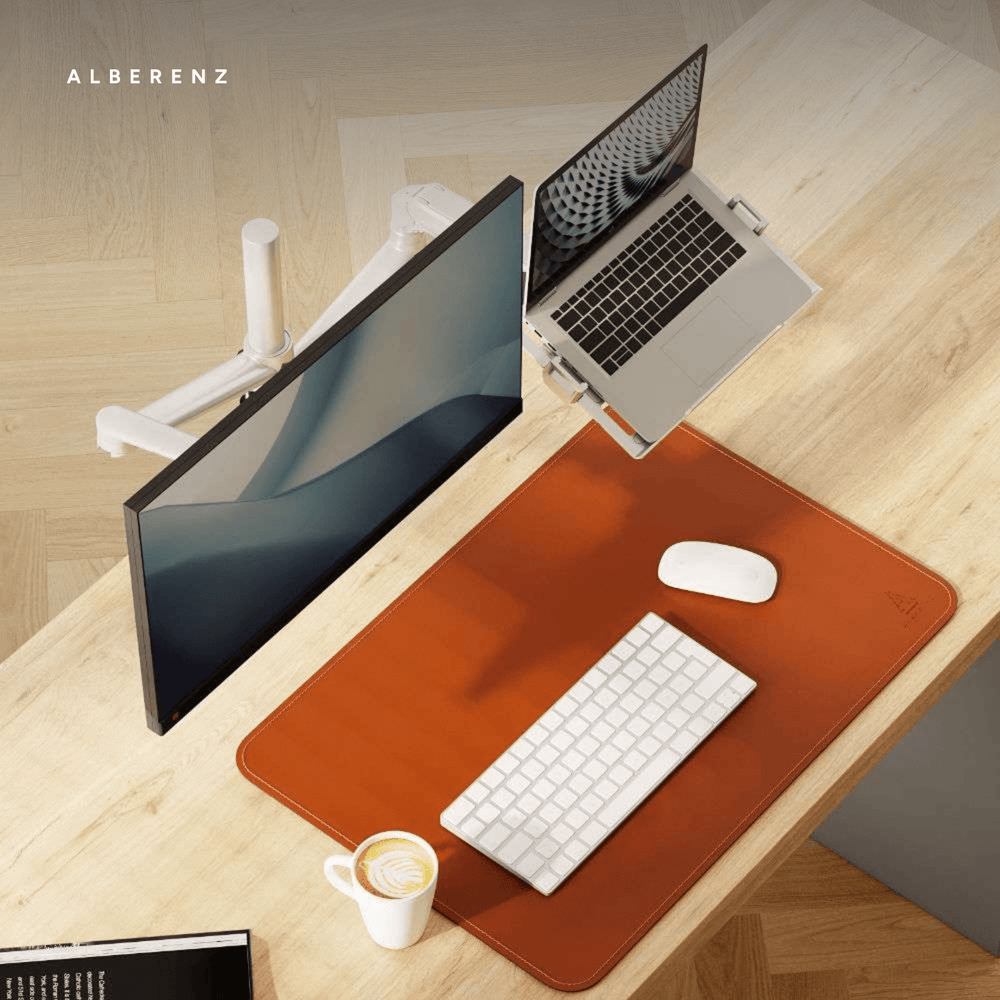
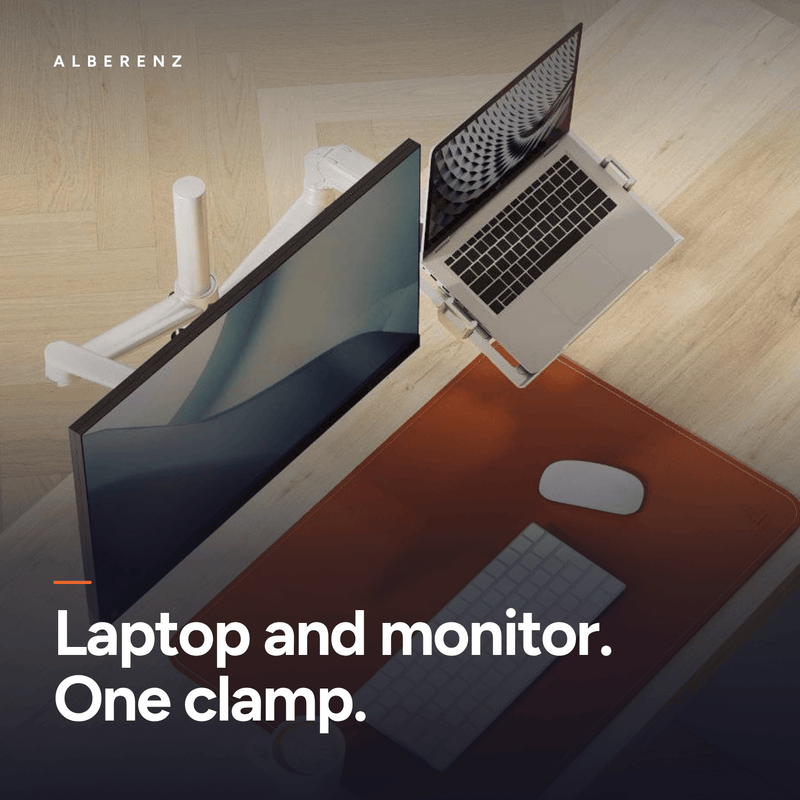
The monitor arm and the laptop arm share a single column and a single clamp at the edge of the desk. That leaves one fixing point instead of two, and the desktop underneath both screens stays completely free.
Both screens at eye level
A laptop on the desk sits roughly thirty centimetres below the monitor next to it, so the head drops every time you look down at it. Both arms lift their screen to the same line, and the eyes move sideways instead of down.
One clamp instead of two
The monitor arm and the laptop arm share a single column and a single clamp at the edge of the desk. That leaves one fixing point instead of two, and the desktop underneath both screens stays completely free.
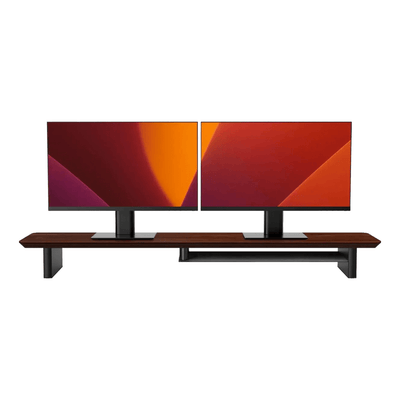
Finish the rest of the desk in the same style.
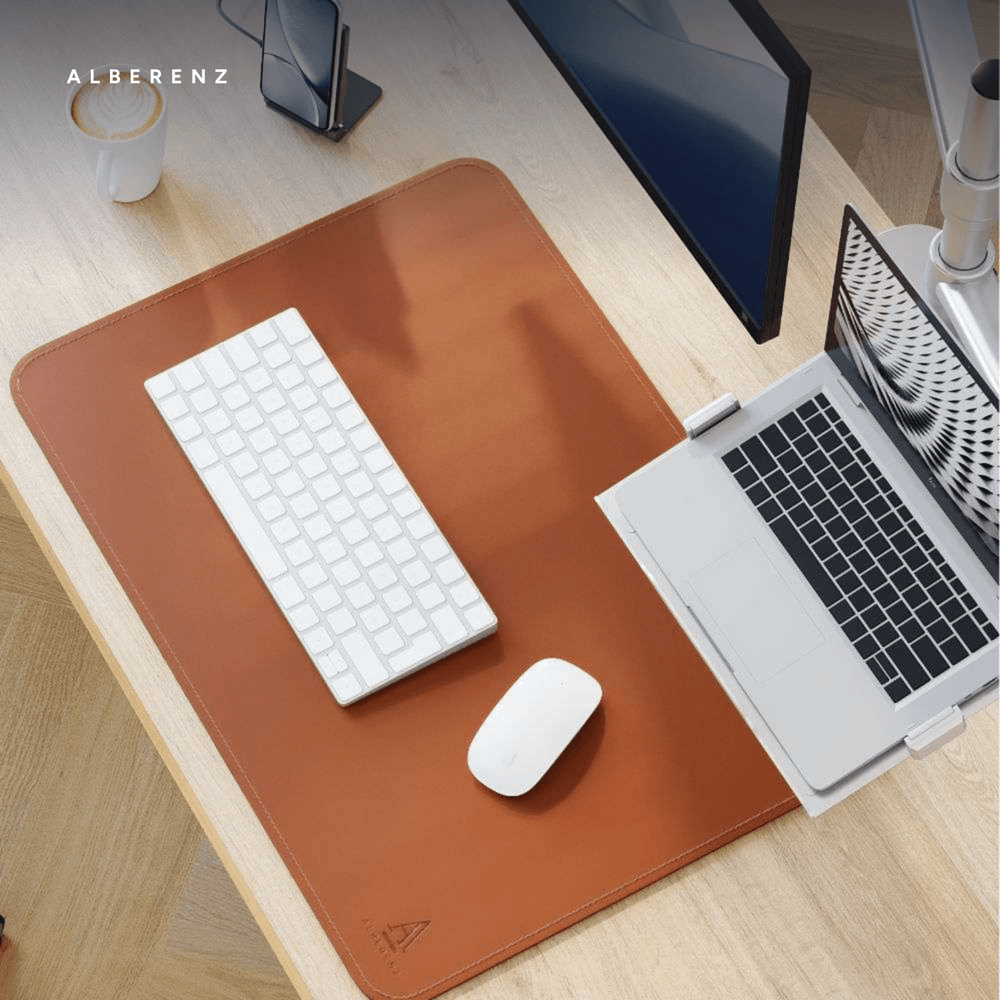
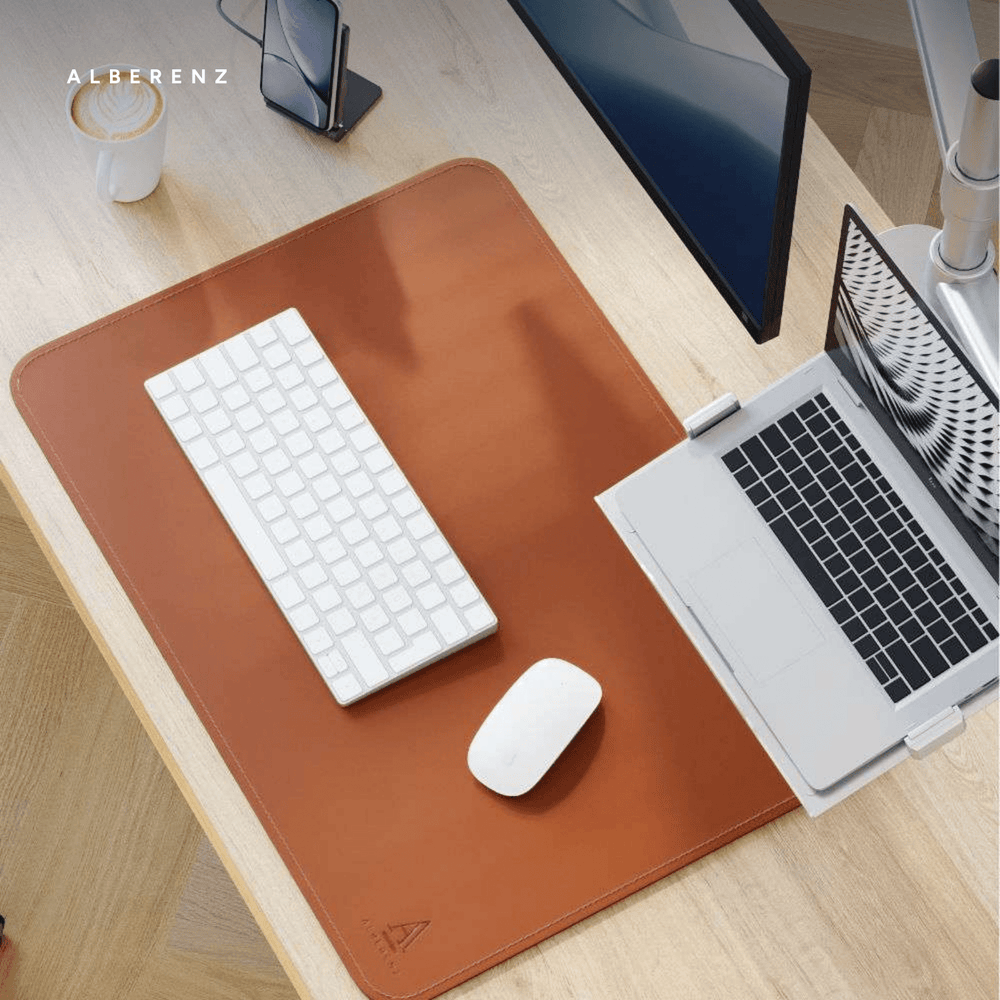
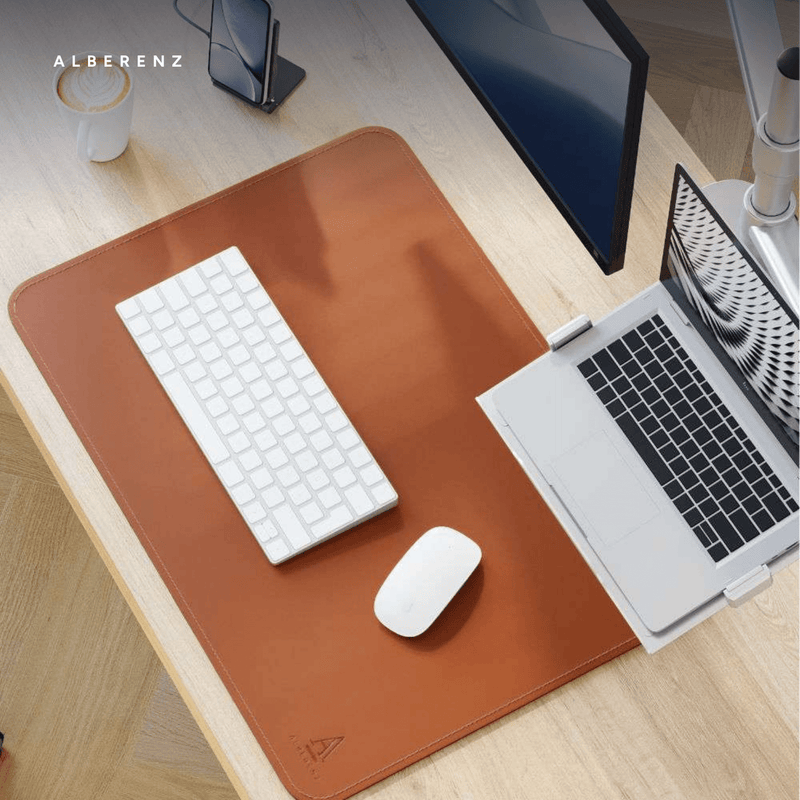
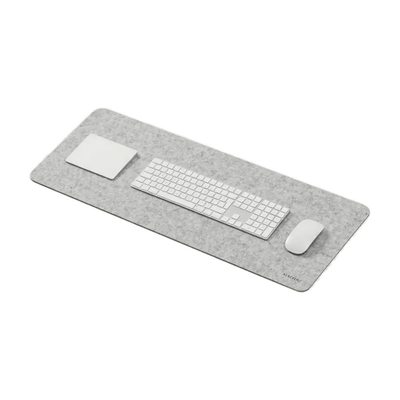
Two pieces for the space the arm does not take up: a walnut riser for whatever stands beside the screens, and a desk pad under the keyboard and mouse.
See both arms move.
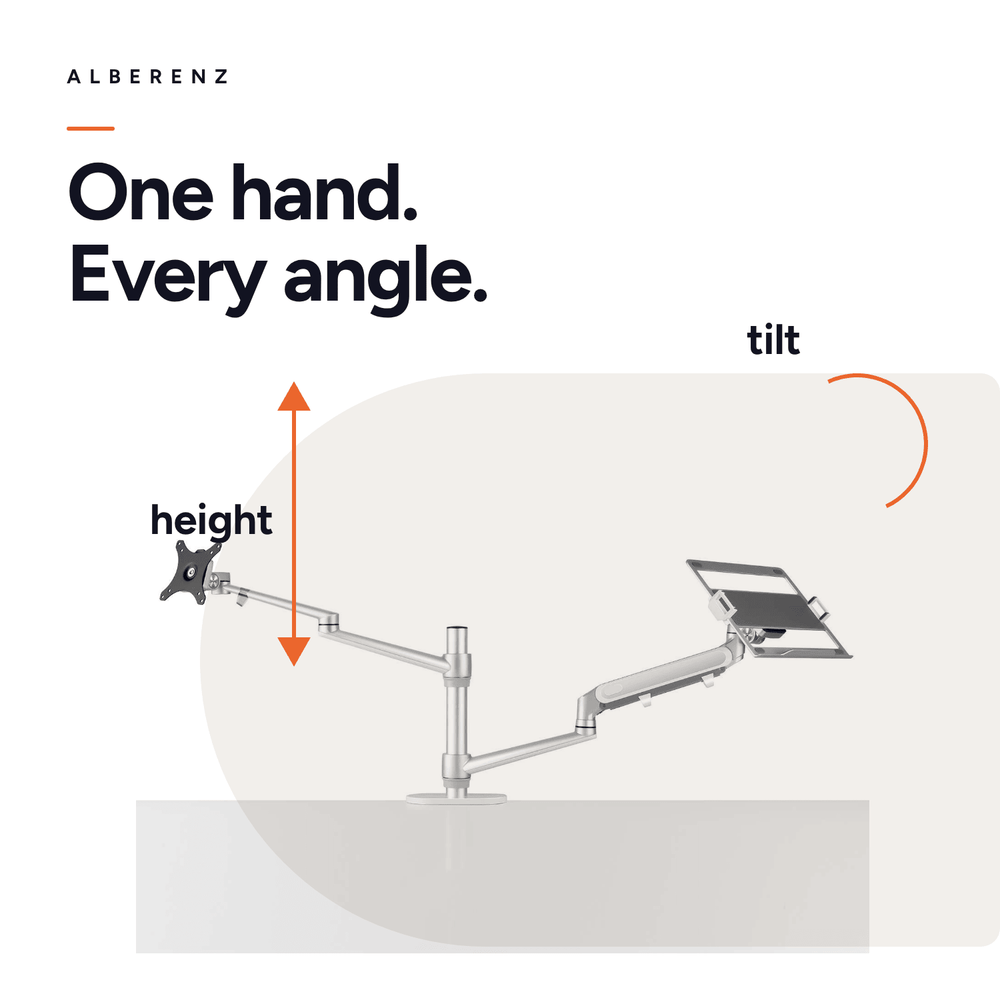
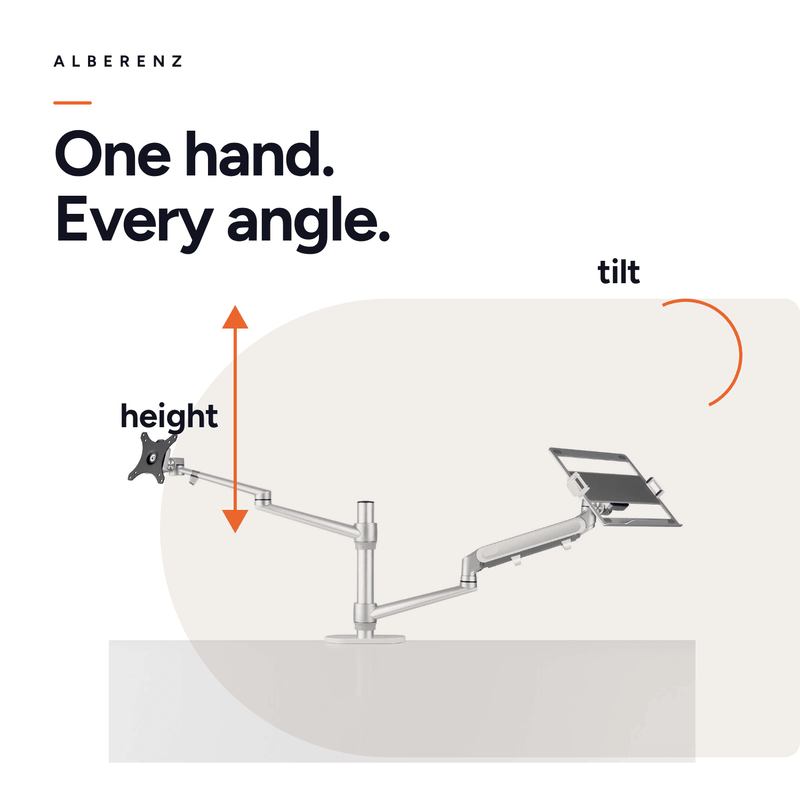
Height, angle and reach in one short film. Each gas spring carries its own weight, so one hand is enough.
Will it fit your desk, your screen and your laptop?
The measurements to check before you order.
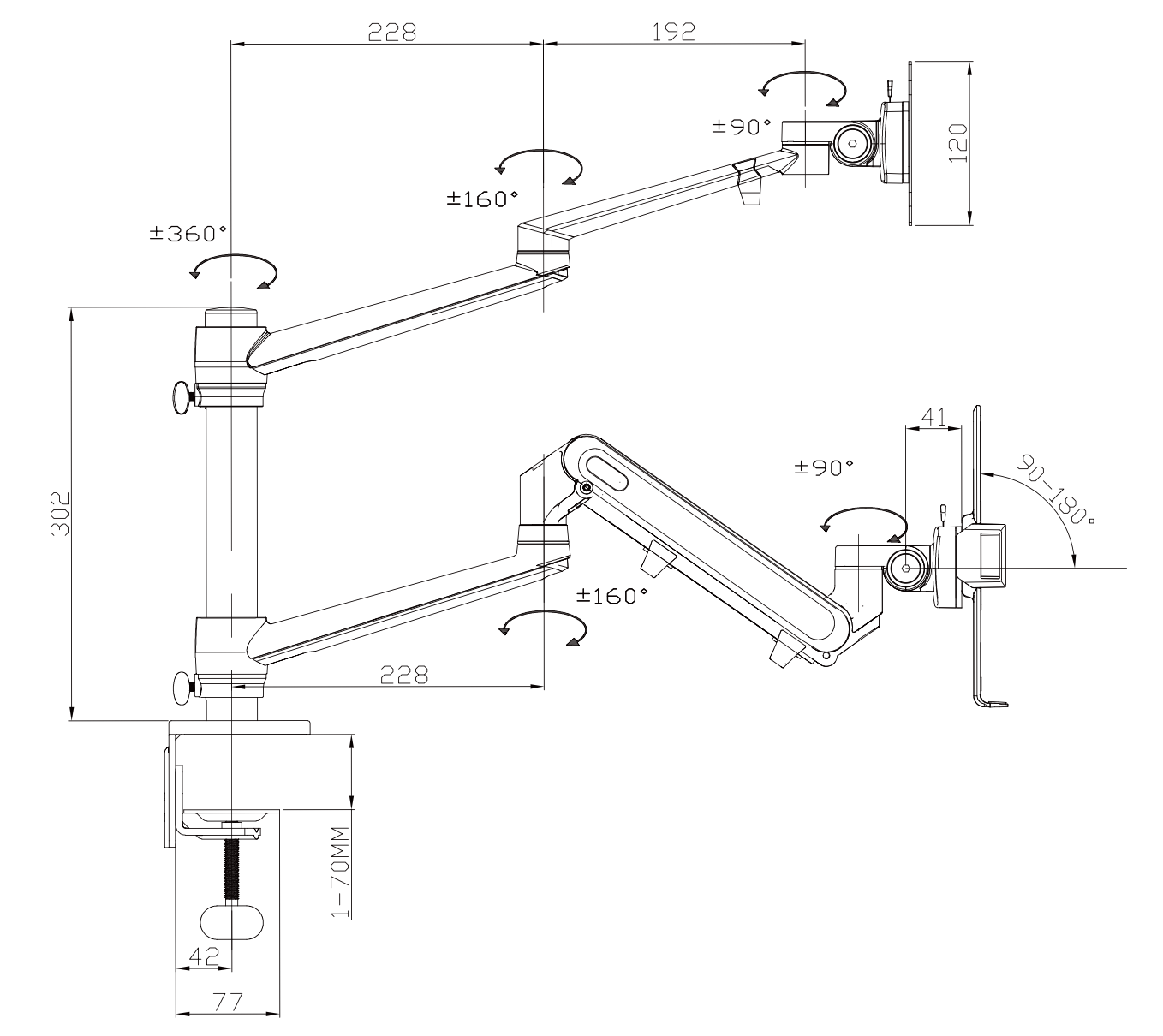
The full details.
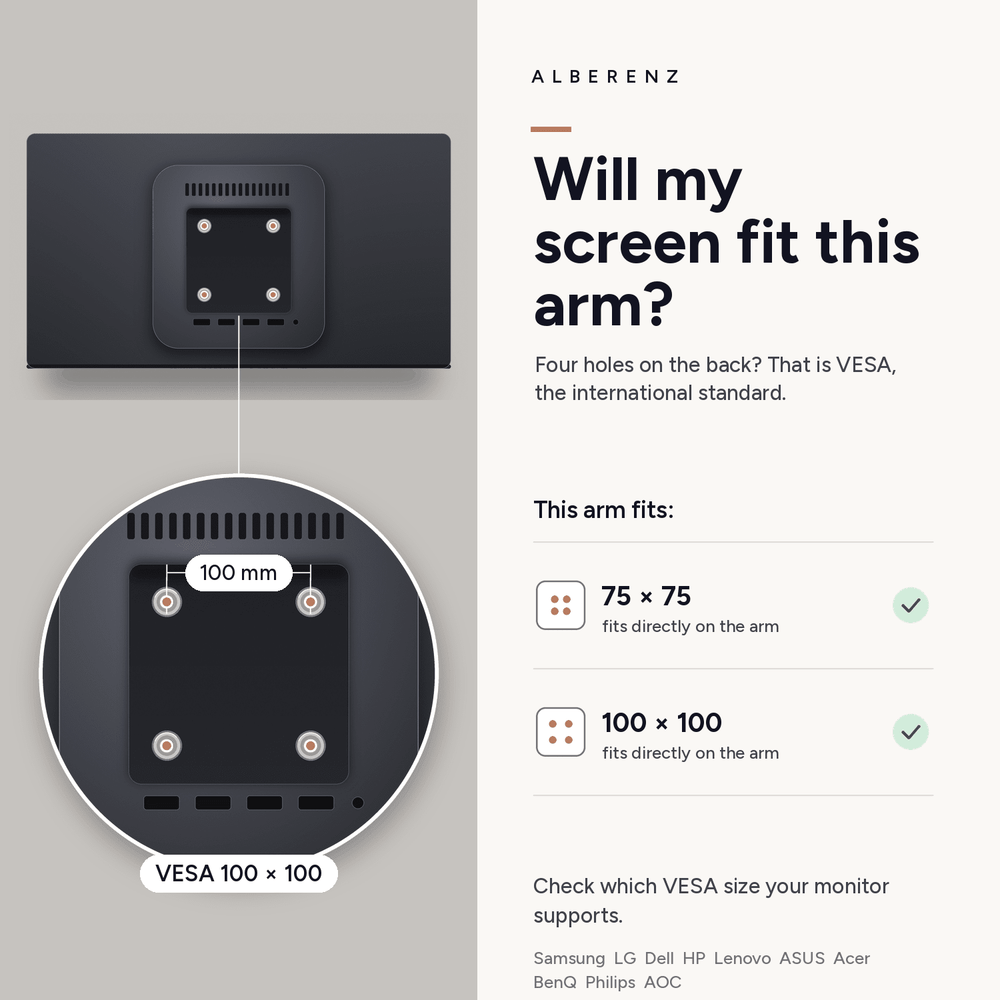
The monitor mounts on a VESA plate and the laptop rests on a tray, so the screen needs VESA holes on the back but the laptop needs nothing at all.
Frequently asked questions
Which monitors fit?
Screens from 17 to 32 inch up to 8 kilos, with VESA holes of 75×75 or 100×100 mm on the back. The plate is in the box and fits both patterns, so no adapter is needed.
Which laptops fit?
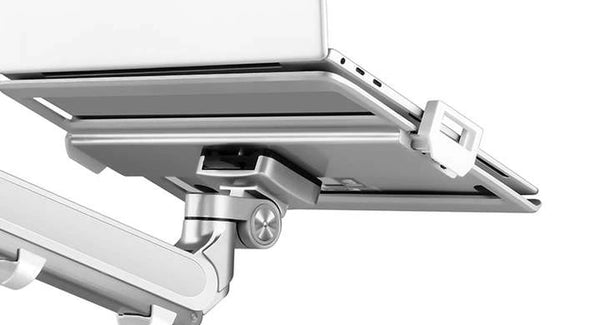
Any laptop from 13 to 17 inch up to 8 kilos. The tray measures 438 mm across the outside, 287 mm between the two clamps and 220 mm deep, so a 16 inch MacBook Pro has room to spare.
Can I use it with only a monitor, or only a laptop?
Yes. Both arms mount on the same column and either one can be left off. There is also a version with only a laptop arm, for a desk that needs no monitor.
Do I need to drill?
No. The arm clamps to the edge of the desk and holds tops from 10 to 70 millimetres thick. There is no grommet option, so the desktop stays undamaged.
How high do the arms go?
The column stands 302 millimetres above the desk and both arms move up and down from there, so a monitor and a laptop can be set to the same height whether you sit or stand.
Do the clamps block my ports?
That can happen. The clamps close over the sides of the laptop, which is exactly where most laptops keep their ports. Each clamp has an opening for a cable to pass through, and sliding the laptop a little forward or backward on the tray moves the clamp away from a port. If a port still sits behind a clamp, an angled cable or a small hub solves it.
Does the arm sag under a heavier screen?
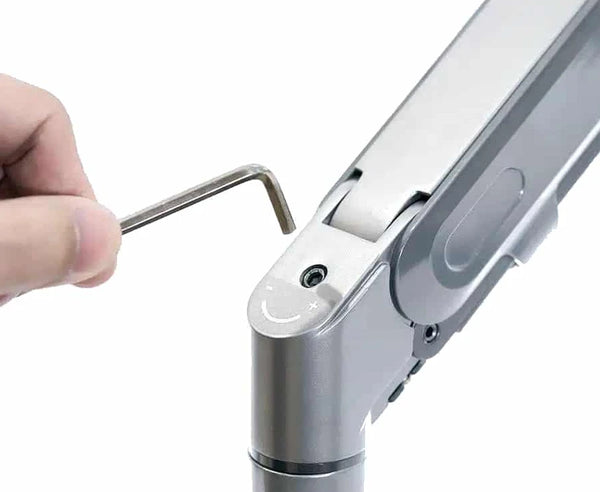
Each gas spring is set with a single hex screw and the key is in the box. Turn the tension up for a heavy monitor and down for a light laptop, and each arm stays where you leave it.
Can the screens turn to portrait?
The monitor head turns 90 degrees, so a screen can stand upright for reading or code. The laptop tray stays horizontal.
Where do the cables go?
Both arms have a channel along the top that takes the cable from the screen down to the column, so nothing hangs across the desk.
What is in the box?
The column, both arms, the VESA plate, the laptop tray, the desk clamp, the hex key and the instructions. Nothing else is needed.
What about warranty and delivery?
The arm comes with a five-year warranty, free shipping and free returns.
Two screens, one clamp, one clear desk.
Free shipping, free returns and a five-year warranty.





